


Cara Memasang Cluster Digital Volkswagen Tiguan MQB (2017-2022)
Cara Memasang Volkswagen Tiguan Cluster Digital MQB (2017-2022)
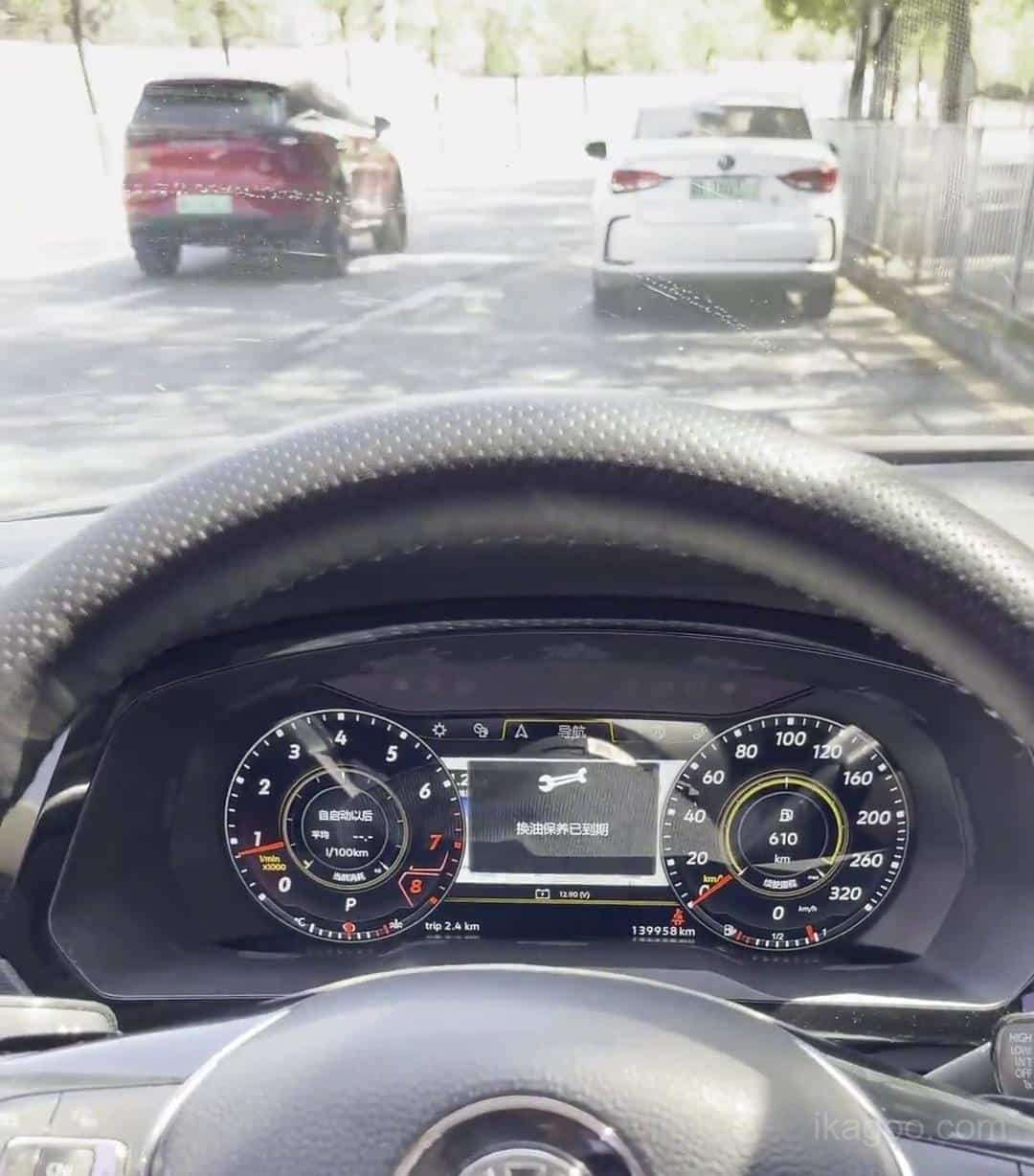

Panduan ini ditulis untuk Peningkatan klaster digital Volkswagen Tiguan MQB digunakan pada Kendaraan tahun 2017-2022 yang masih memiliki kluster instrumen analog / mekanis asli. Urutan di bawah ini dibuat ulang dari video instalasi teknis resmi Ikagoo dan catatan produk, sehingga urutan pelepasan trim, langkah-langkah pemindahan bangku, dan titik-titik perhatian sesuai dengan rute yang sebenarnya, bukan pengisi retrofit umum.
Catatan kesesuaian & panduan
Untuk pembeli Barat, aturan pemasangannya sederhana: jika Tiguan Anda menggunakan struktur kluster asli yang sama dengan yang ditunjukkan di sini, ini adalah rute konversi gaya OEM yang benar. Jika mobil sudah memiliki kokpit digital dari pabrik, ini adalah jalur perangkat keras yang berbeda dan tidak boleh dipesan dari nama model saja.
Halaman ini telah ditinjau berdasarkan rekaman instalasi Tiguan dan catatan dukungan saat ini, kemudian diedit ke dalam bahasa Inggris oleh YiFu sehingga logika transfer bangku, retensi buzzer, dan pemeriksaan pasca-instalasi tetap terlihat alih-alih dilebur ke dalam salinan penjualan umum.
Untuk Siapa Panduan Klaster Volkswagen Tiguan MQB Ini Sebenarnya
Rute pemasangan yang benar
Volkswagen Tiguan 2017-2022 pada platform MQB, asalkan mobil tersebut masih menggunakan sistem kluster instrumen analog / mekanis asli ditampilkan dalam video instalasi resmi.
Aturan kesesuaian struktural
Jangan membeli berdasarkan tahun saja. Bandingkan bukaan kluster dasbor, tata letak trim ventilasi, dan bentuk kluster asli Anda dengan rute yang ditunjukkan dalam panduan ini.
Batas kompatibilitas
Catatan teknis resmi Ikagoo menyatakan bahwa pencocokan LHD dan RHD versi, plus kompatibel diesel dan hybrid versi, dapat menggunakan rute ini bila struktur cluster aslinya sama.
Panduan ini bukan untuk
Jika mobil sudah memiliki klaster digital 10,25 inci dari pabrik, ini bukan rute yang sama. Versi tersebut memerlukan konfirmasi terpisah sebelum membeli atau membongkar.
Aturan pemesanan di muka: kirimkan foto yang jelas dari dasbor asli Anda dan kluster instrumen asli kepada Ikagoo sebelum pembayaran. Itu adalah cara tercepat untuk mengonfirmasi apakah Tiguan Anda menggunakan jalur pemasangan yang tepat.
Fakta Produk Utama di Balik Rute Klaster Digital Bergaya OEM Ini
Didesain untuk tetap mendekati logika kendaraan aslinya
Catatan produk resmi menggambarkan rute ini sebagai tidak ada pengeboran, tidak ada pemotongan kabel, tidak ada flashing ECU, tidak ada penulisan ulang data, dan tidak ada modifikasi data asli kendaraan. Desainnya menggunakan jalur papan kontrol klaster asli yang tertanam, bukan tampilan universal yang umum.
Tampilan dan dasar sistem
Rute ini menggunakan Sistem berbasis Linux dengan klaim Waktu boot 3 detik, a Panel BOE 12,3 inci 1920×720 BOE, tema UI bawaan, dukungan kontrol roda kemudi, pengaturan multibahasa, unit, dan opsi mode berkendara.
Peringatan gaya OEM dan penyimpanan data kendaraan
Materi teknis menyatakan bahwa ikon peringatan, pengaturan pasif, pengingat, dan tampilan data kendaraan asli tetap menjadi bagian dari pengalaman yang diinginkan. Itu juga alasan mengapa bel asli harus tetap berada di dalam unit.
Perbarui jalur dukungan
Catatan produk juga menyatakan bahwa rute ini mendukung kemampuan pembaruan OTA jarak jauh pada build yang kompatibel, dengan bantuan peningkatan yang tersedia melalui jalur dukungan Ikagoo dan FixMyDash bila diperlukan.
Video Instalasi Resmi untuk Rute Konversi Analog-Klaster Tiguan MQB
Video yang disematkan ini adalah referensi bengkel langsung di balik langkah-langkah gambar di bagian bawah halaman. Panduan ini ditulis berdasarkan urutan pelepasan dan pemindahan yang tepat: ventilasi kiri terlebih dahulu, trim sisi kanan berikutnya, strip ventilasi tengah, kluster asli dilepas, kemudian pemindahan elektronik kluster asli ke dalam unit digital yang baru.
Apa yang dibuktikan oleh video tersebut
- Urutan pemangkasannya tidak acak. Pemasang mulai dari ventilasi kiri, kemudian bekerja melintasi dasbor sebelum menarik kluster.
- Rute ini mencakup pemindahan perangkat keras klaster asli, jadi ini bukan sekadar pertukaran “pasang layar”.
- Bel tetap menjadi bagian dari rute papan asli, yang konsisten dengan catatan logika lampu peringatan dari Ikagoo.
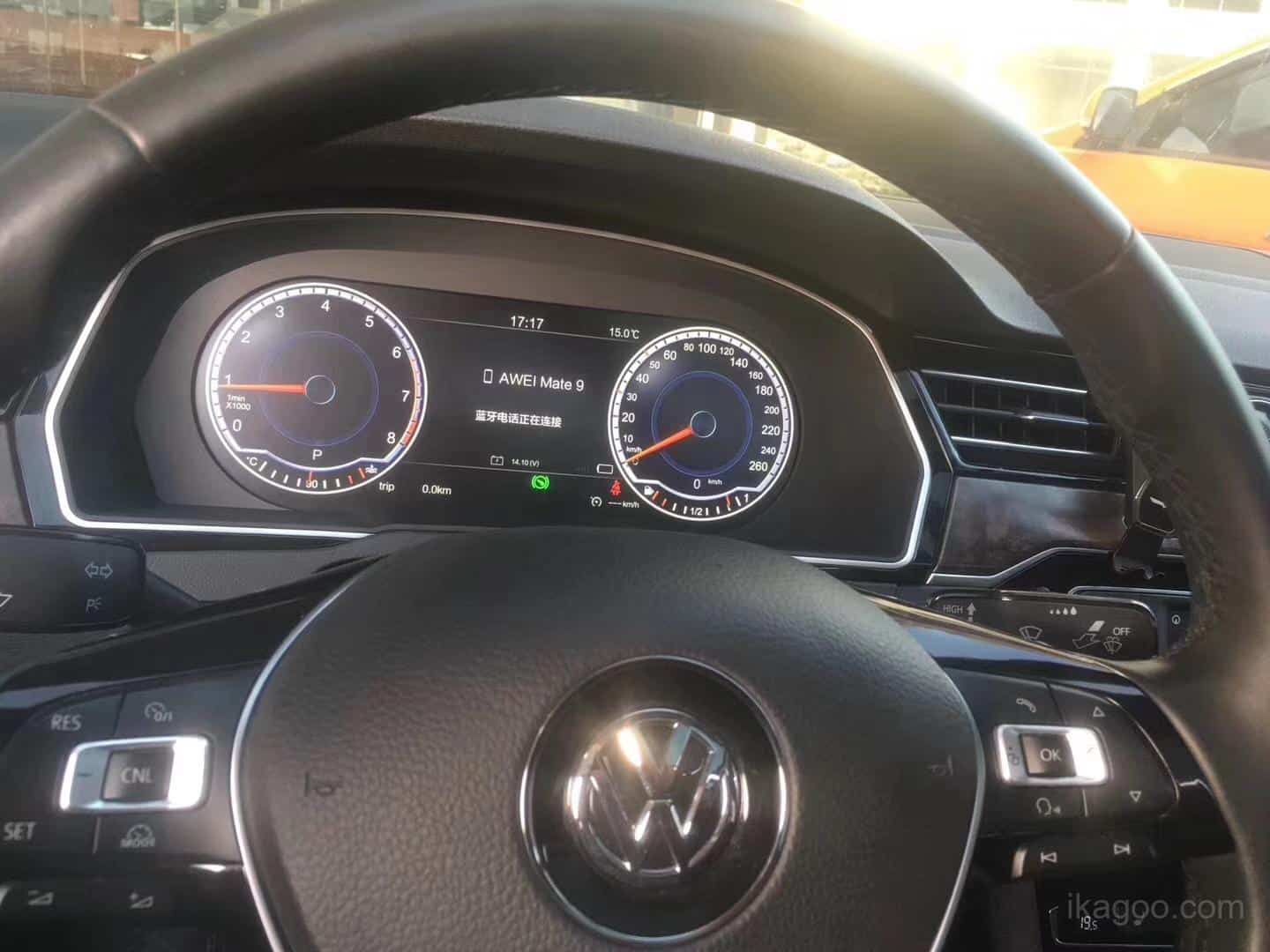
- Hasil akhir ditampilkan dengan tenaga di dalam kendaraan setelah pemasangan kembali, yang memberikan referensi fitment dan hasil akhir yang realistis kepada pembeli.
Instalasi Cluster Digital Tiguan MQB Langkah-demi-Langkah Dari Video Resmi
Langkah-langkah gambar di bawah ini menggunakan gambar diam yang diambil dari video instalasi Ikagoo resmi dan diurutkan agar sesuai dengan alur kerja yang sebenarnya. Ini adalah format yang paling aman bagi para pemasang yang menginginkan referensi visual yang lebih lambat saat bekerja di dasbor atau di bangku.
Pelepasan dasbor
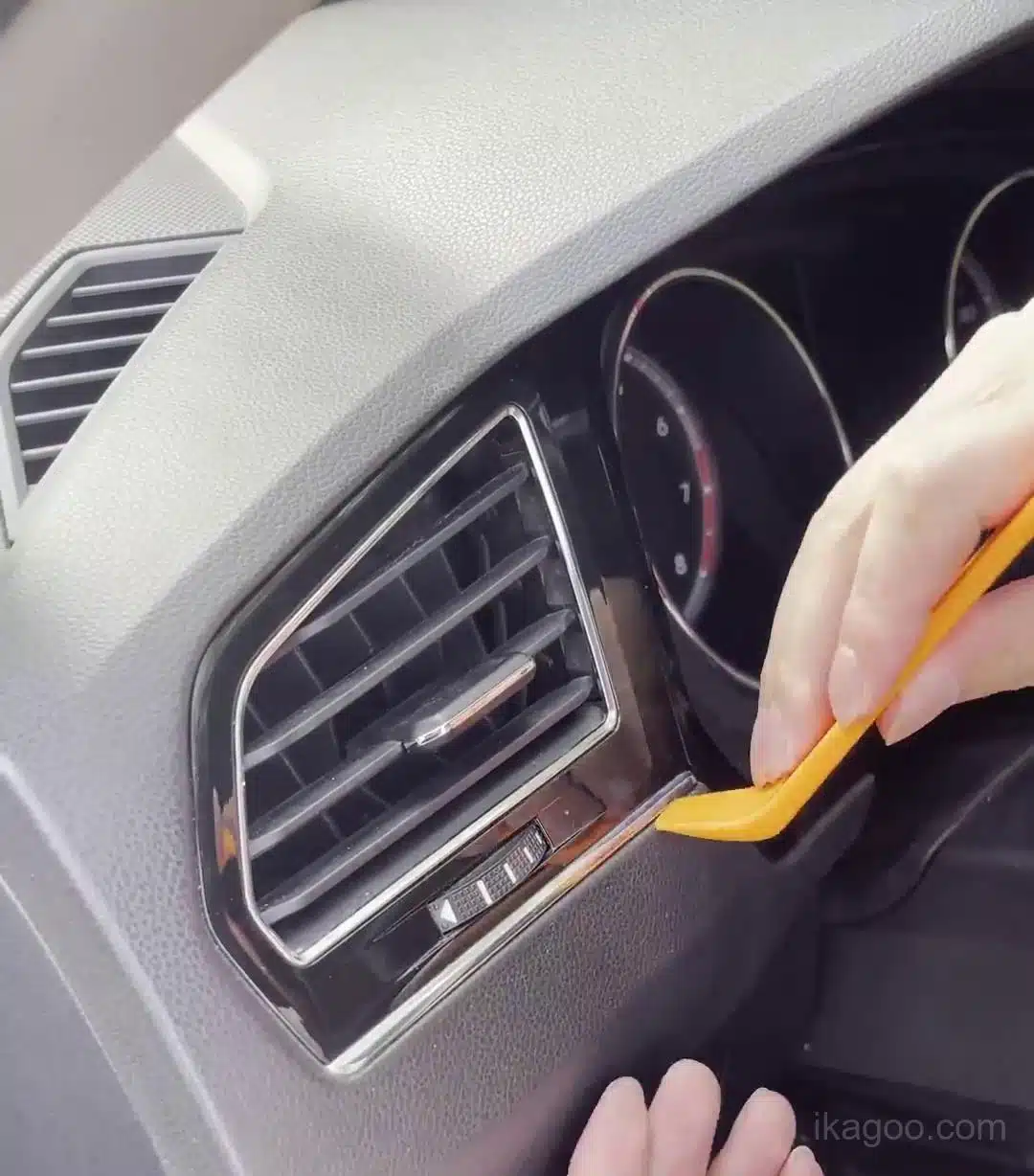
Mulai dari trim ventilasi luar kiri
Video resmi dimulai pada sisi kiri dasbor. Masukkan alat lis plastik di tepi sekeliling ventilasi kiri dan mulailah melepaskan lis secara bertahap.
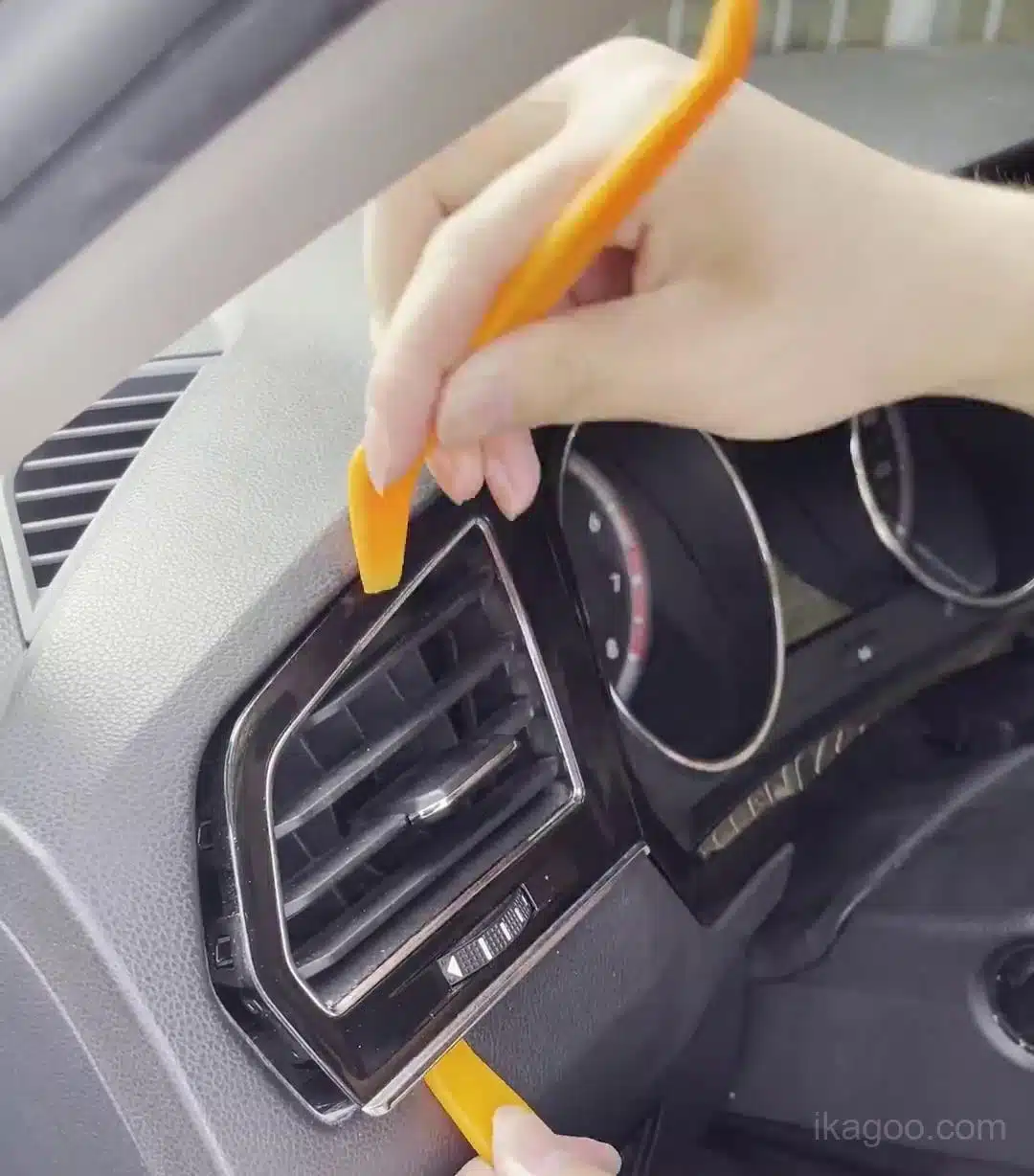
Lanjutkan membebaskan sekeliling ventilasi kiri
Jangan menarik salah satu sudutnya. Lepaskan klip di sepanjang tepi hingga bagian trim sisi kiri terlepas dengan bersih tanpa memelintir permukaan yang mengkilap.
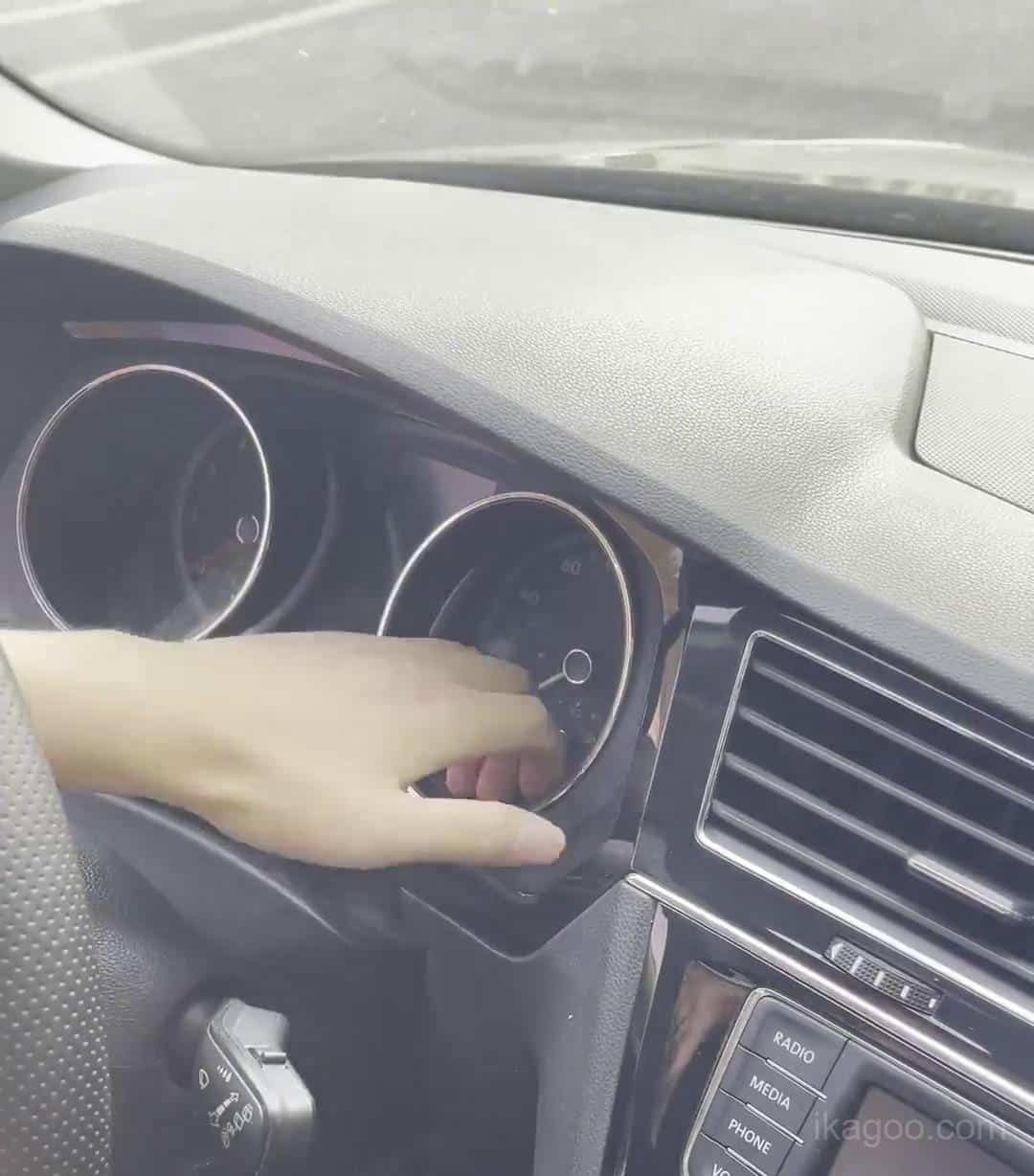
Pindah ke bagian trim sisi kanan
Pemasang kemudian bekerja melintasi dasbor dan melepaskan area trim sisi kanan. Hal ini menciptakan jarak bebas yang diperlukan untuk strip ventilasi tengah.
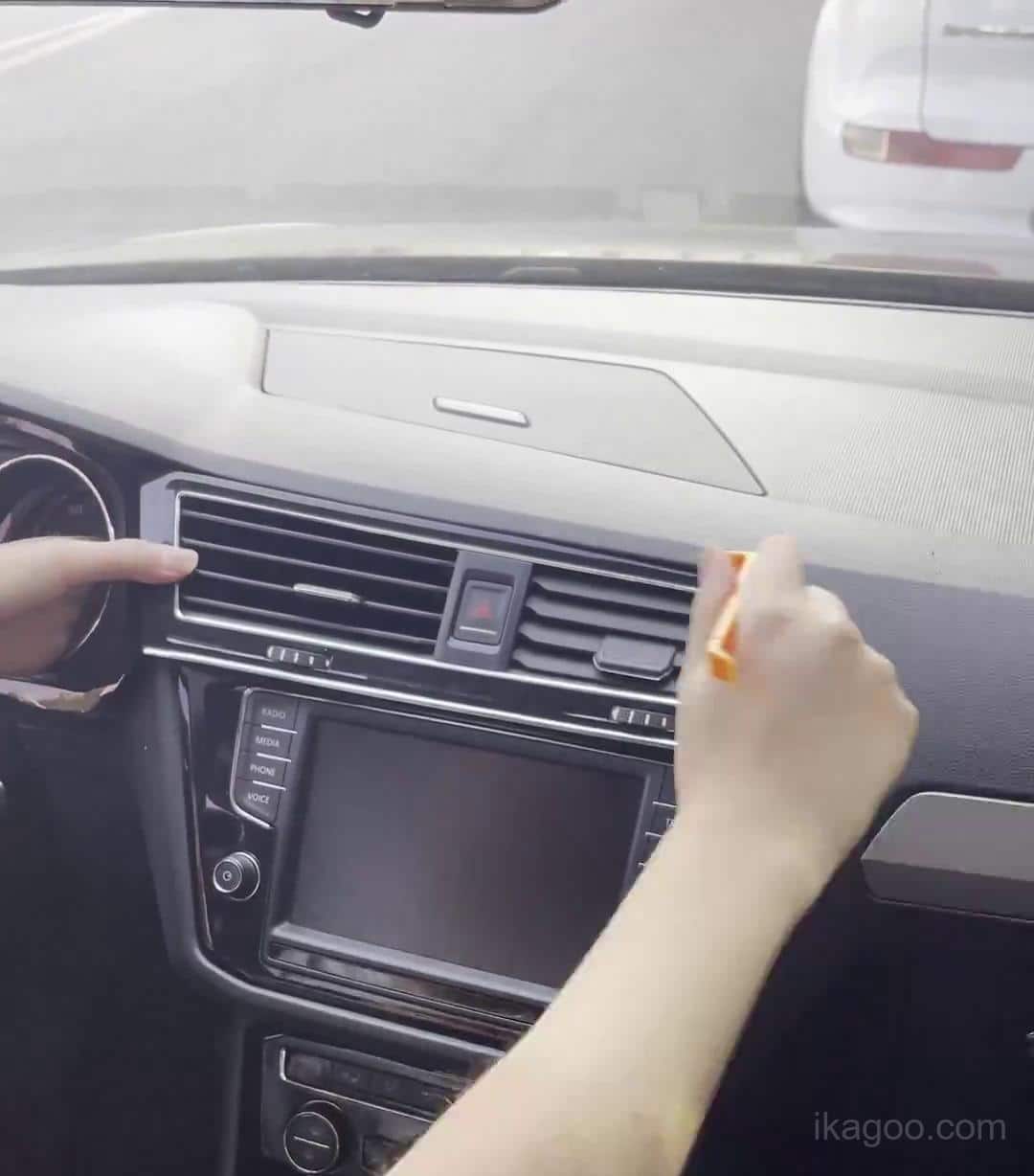
Lepaskan ventilasi tengah yang panjang dan strip trim bahaya
Ini adalah langkah dasbor utama dalam rute resmi. Angkat strip ventilasi panjang dengan hati-hati setelah bagian trim samping sudah longgar.
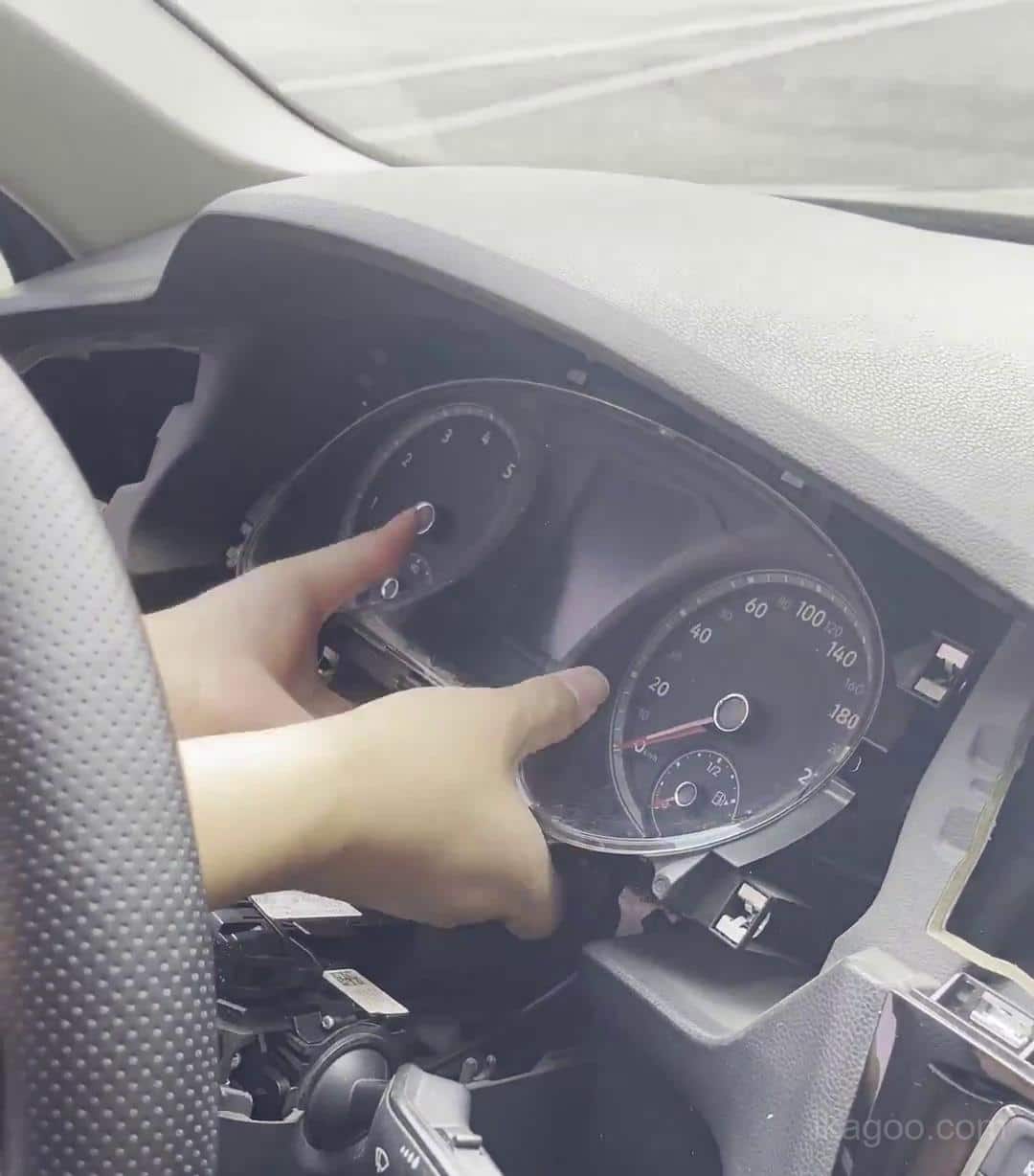
Tarik kluster analog asli dari dasbor
Dengan jalur trim terbuka, kluster asli dapat ditarik ke depan. Tarik keluar dengan cara yang terkendali dan jangan sampai konektornya tegang.
Transfer papan asli
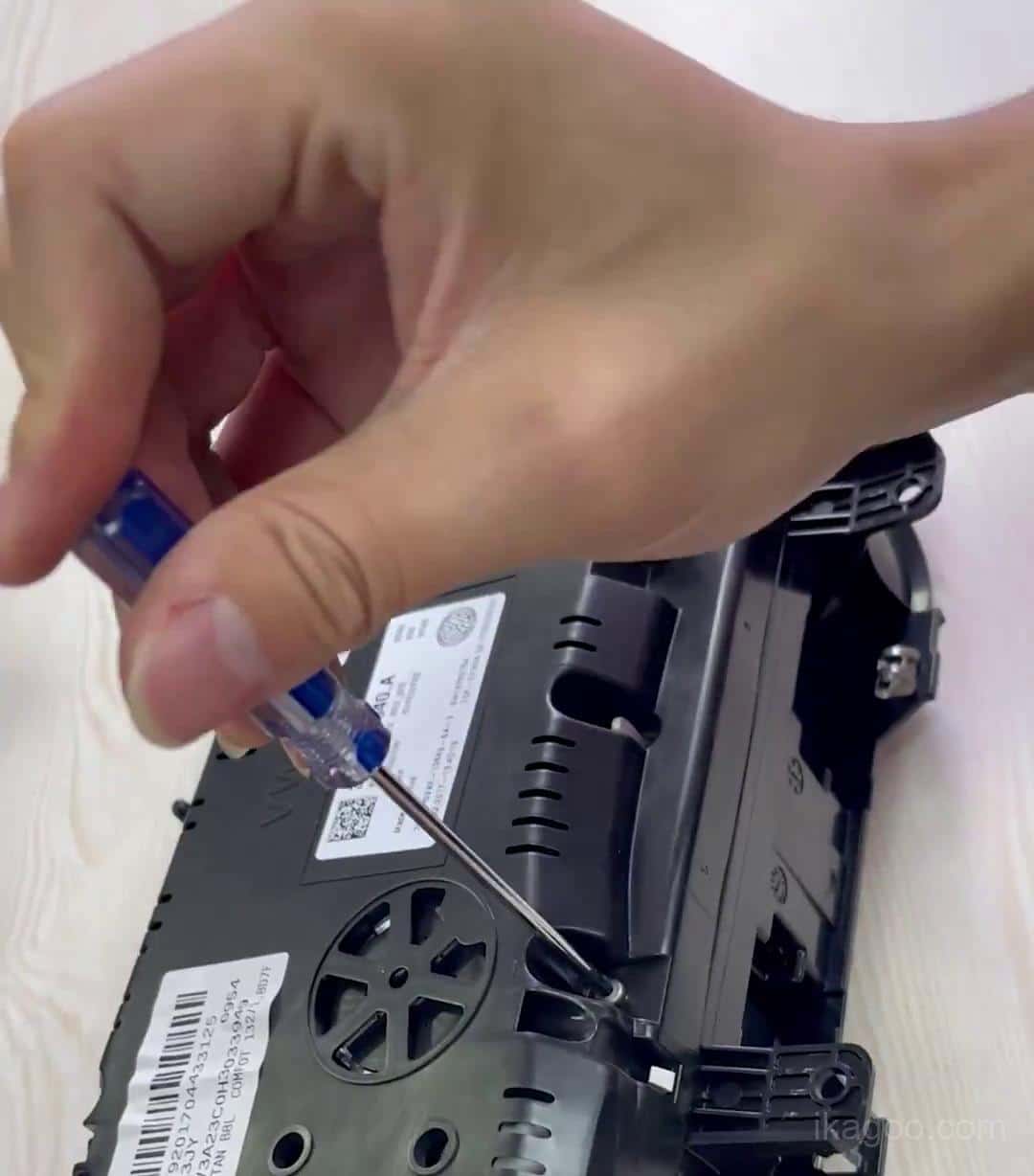
Buka housing cluster asli di atas meja kerja
Pindah ke meja kerja yang bersih dan lepaskan sekrup rumah belakang. Jaga agar sekrup tetap teratur, karena sekrup akan kembali ke rumah nanti dalam urutan yang sama.
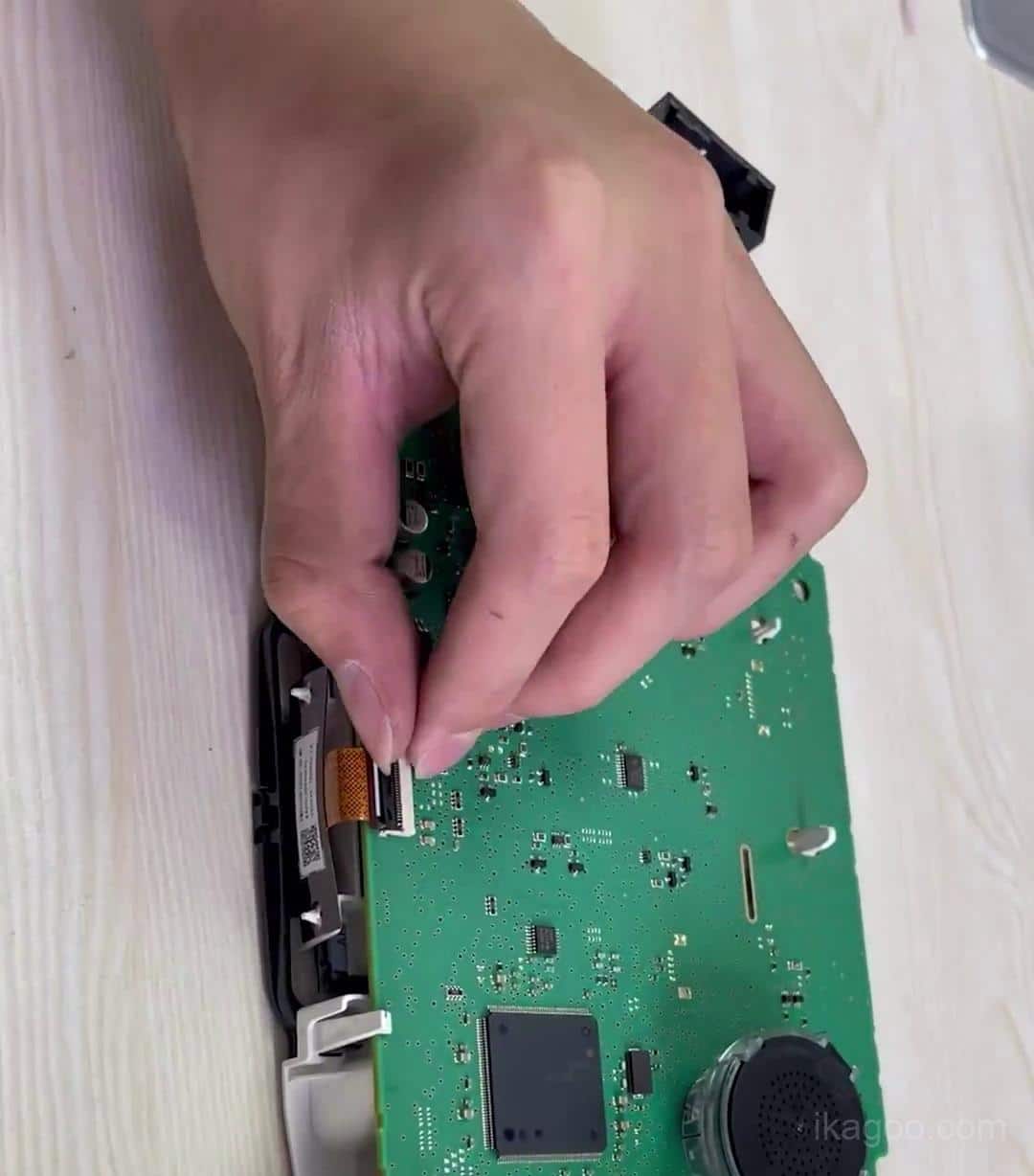
Lepaskan kabel pita kecil dengan hati-hati
Video resmi secara jelas menunjukkan pita kecil dicabut. Lepaskan konektor terlebih dahulu dan tarik pita tanpa menekuk atau merobeknya.
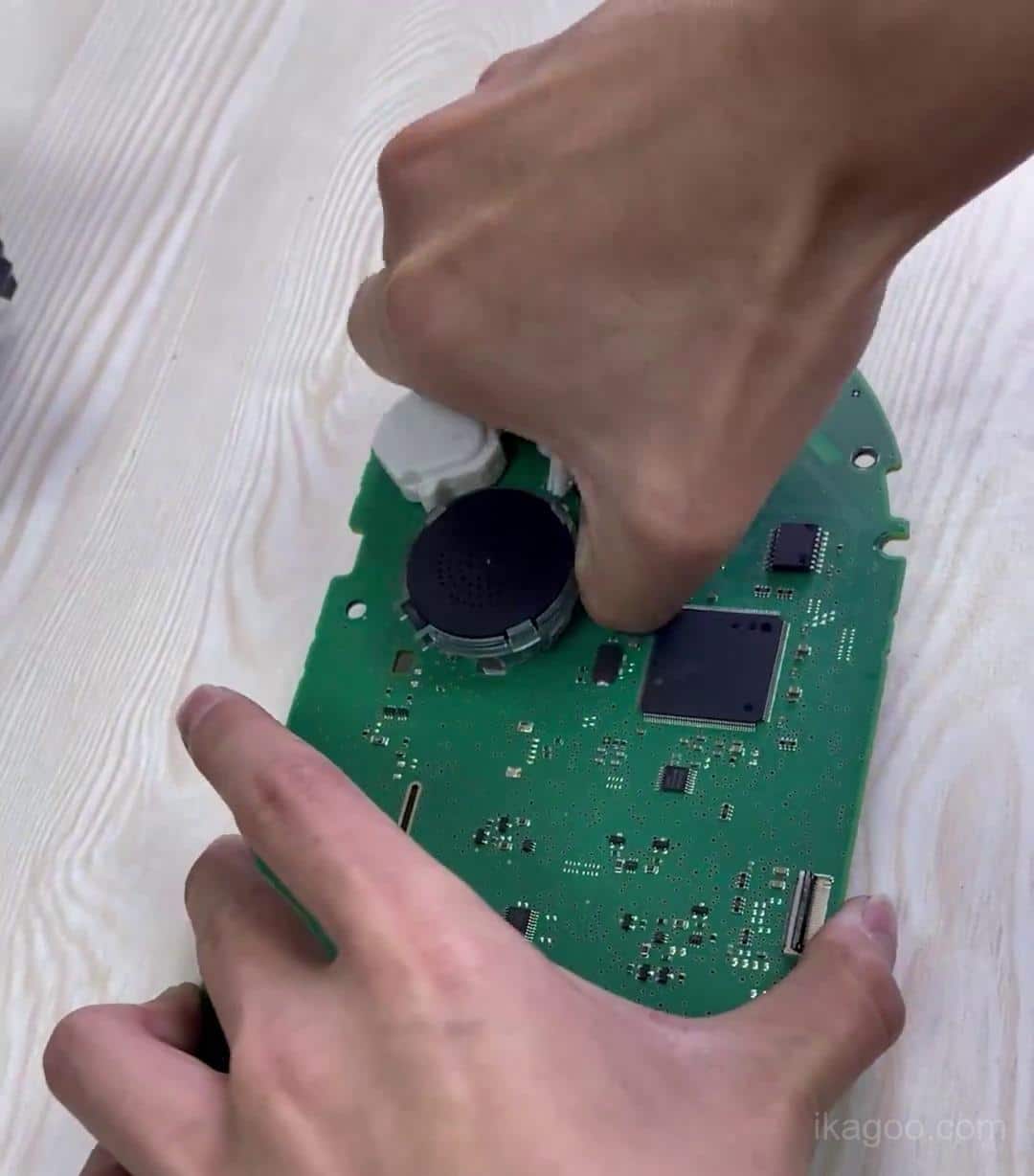
Mentransfer elektronik klaster asli ke dalam unit digital yang baru
Rute ini dibuat dengan mempertahankan logika klaster asli. Pegang PCB pada bagian tepinya saja dan pertahankan buzzer asli pada tempatnya selama pemindahan.
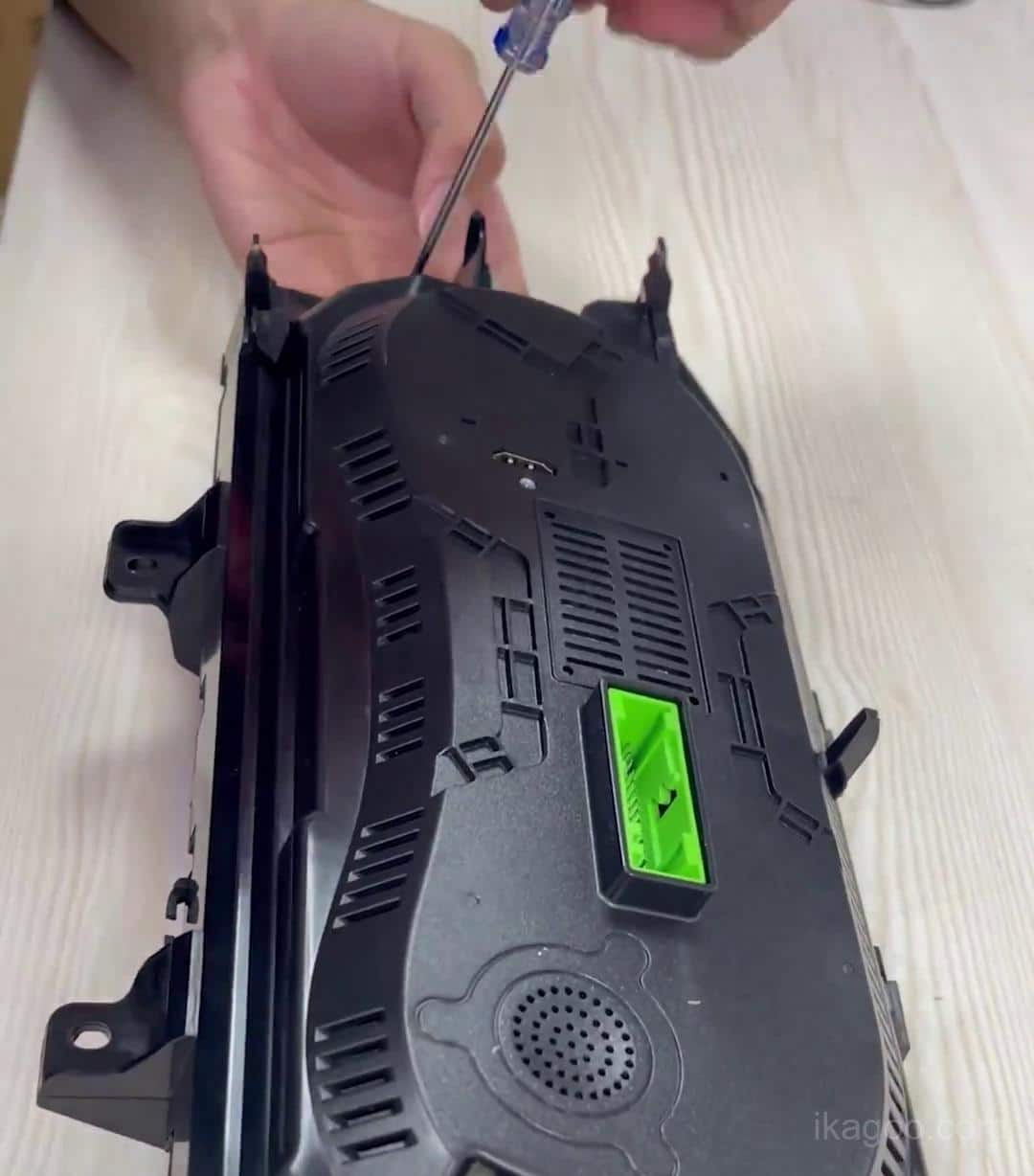
Pasang kembali rumah yang telah ditingkatkan tanpa mengencangkannya secara berlebihan
Pasang kembali sekrup hingga pas dan terkendali. Housing harus aman, tetapi Anda tidak boleh merusak cangkang dengan memaksa sekrupnya terlalu keras.
Pemasangan kembali & pemeriksaan akhir
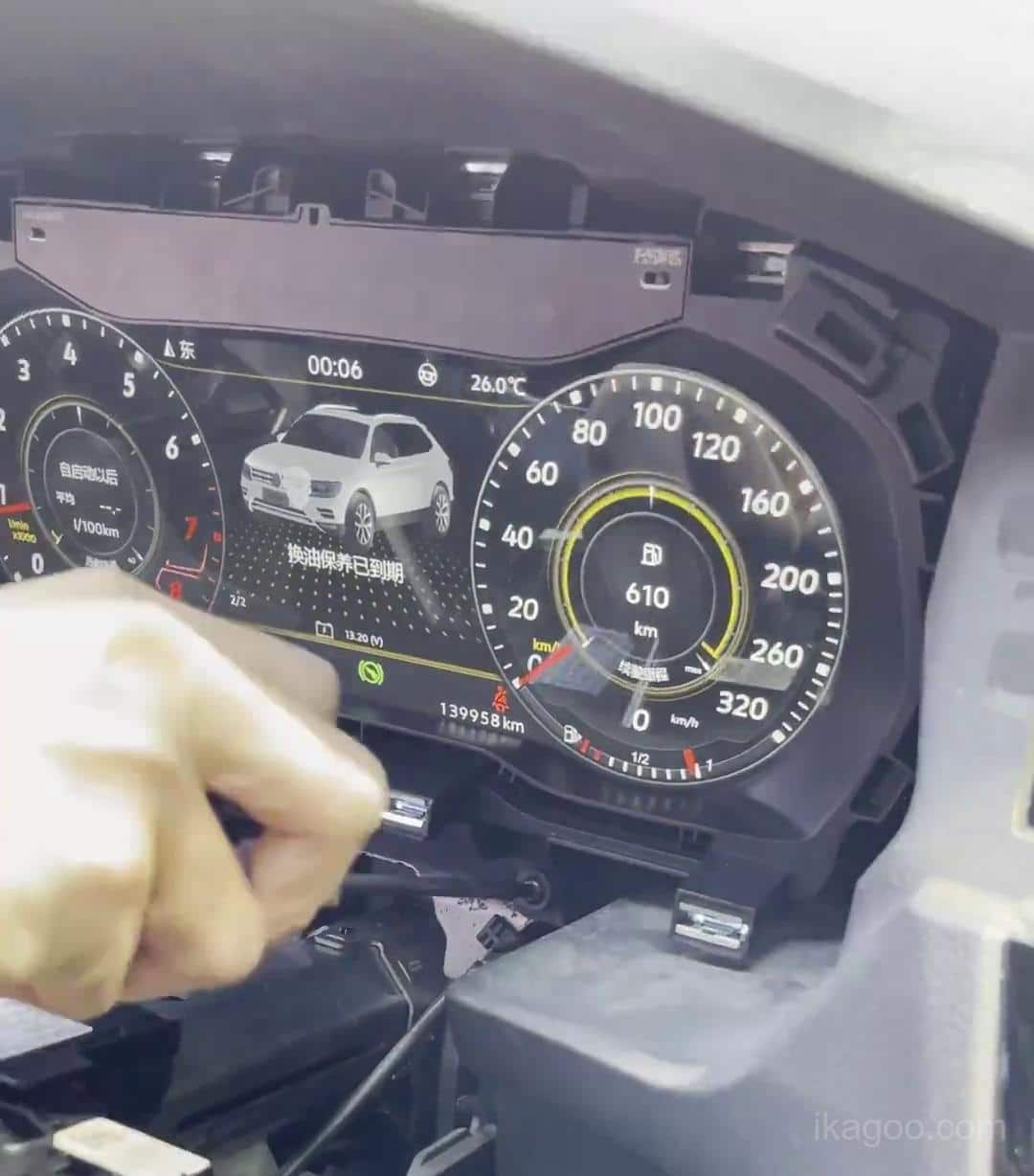
Pasang kembali klaster digital yang telah ditingkatkan ke dasbor
Kembalikan unit yang sudah selesai dipasang ke mobil dan sejajarkan secara hati-hati dengan titik pemasangan. Jangan menekan bagian depan LCD untuk memaksakan pemasangan.
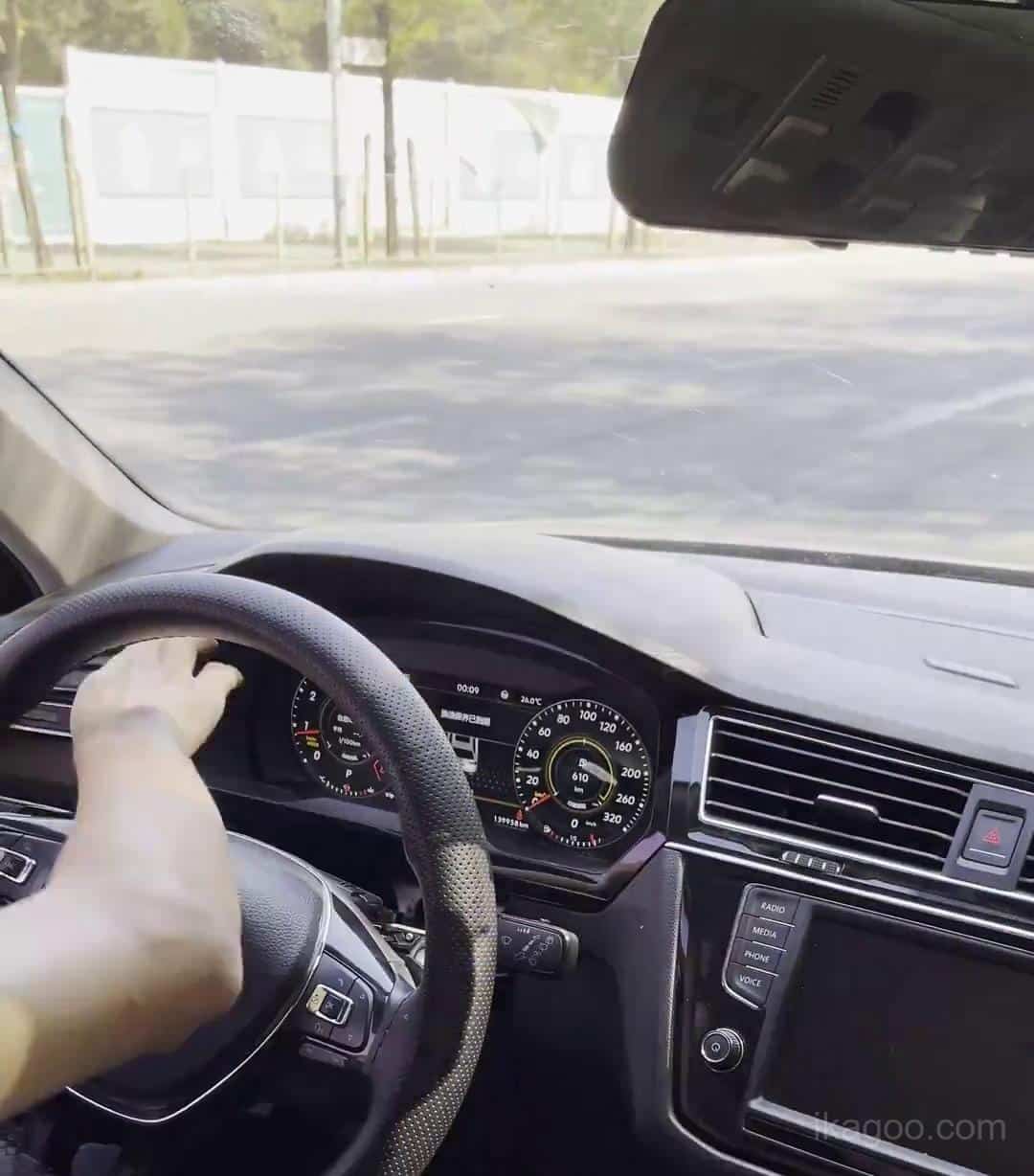
Hidupkan unit sebelum menutup semua trim
Uji pengaktifan, respons menu, ikon peringatan, kontrol roda kemudi, unit, dan kecerahan sebelum Anda mengunci kembali trim dasbor penuh pada tempatnya.
Konfirmasikan hasil akhir di dalam mobil
Video resmi diakhiri dengan klaster digital yang berjalan di dalam kendaraan. Gunakan tampilan akhir ini untuk memeriksa keselarasan, kualitas akhir, dan presentasi gaya OEM yang diharapkan.
Aturan Instalasi Penting yang Mencegah Sebagian Besar Kegagalan
Kosongkan listrik statis sebelum menyentuh papan
Catatan dukungan resmi secara eksplisit memperingatkan bahwa kontrol statis itu penting. Sentuh permukaan logam yang diarde sebelum memegang PCB dan selalu pegang papan pada tepinya.
Jangan melepas buzzer asli
Speaker / buzzer cluster asli adalah bagian dari logika kendaraan yang dipertahankan. Melepasnya dapat menyebabkan kesalahan instrumen kombinasi setelah pemasangan.
Jangan menekan panel LCD
Rute ini menggunakan panel LCD BOE. Perlakukan seperti modul tampilan yang rapuh, bukan bagian trim plastik. Sangga housing dari bagian pinggirnya saja.
Jangan memesan hanya berdasarkan nama model
Untuk kategori produk ini, struktur cluster asli lebih penting daripada label model. Itulah sebabnya Ikagoo meminta foto dasbor dan klaster sebelum pengiriman.
Catatan kesesuaian profesional: pada beberapa kendaraan, pemasang mungkin perlu sedikit memangkas tepi perumahan cluster baru jika cangkang berada terlalu rapat di dalam bukaan. Hal ini mengacu pada tepi rumah yang dibentuk dari unit upgrade, bukan untuk memotong dasbor kendaraan asli.
Mengapa rute ini dapat dikonversi dengan baik: catatan resmi produk Ikagoo menjelaskan housing cetakan 1:1, trim piano-hitam yang tahan UV, arsitektur papan kontrol orisinil yang disematkan, penyangga roda kemudi, serta lampu peringatan dan presentasi data bergaya OEM. Semua detail tersebut adalah alasan mengapa produk ini menarik bagi pembeli yang mencari hasil gaya pabrik yang lebih bersih daripada tampilan aftermarket pada umumnya.
Tempat Membeli Cluster Tiguan dan Dukungan Terkait
Pembeli yang membaca halaman ini biasanya membutuhkan salah satu dari dua hal berikut ini: informasi yang benar Produk klaster digital Volkswagen Tiguan MQB itu sendiri, atau yang berdedikasi paket peningkatan / dukungan untuk sistem kluster VW atau Audi yang kompatibel yang sudah membutuhkan bantuan pembaruan.
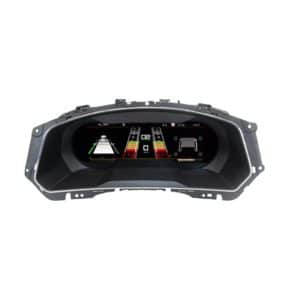
Volkswagen Tiguan 2017-2022 Digital Cluster
Ini adalah halaman produk Ikagoo yang benar untuk pembeli yang mengonversi Volkswagen Tiguan MQB 2017-2022 dari kluster analog asli ke rute LCD penuh gaya OEM yang ditunjukkan dalam tutorial ini.
Paket Peningkatan Klaster Digital Volkswagen / Audi
Jika Anda sudah memiliki rute klaster yang kompatibel dan membutuhkan bantuan peningkatan yang didukung, bantuan perangkat lunak, atau pemecahan masalah pasca-instalasi, gunakan paket dukungan khusus FixMyDash alih-alih menebak-nebak melalui saran forum.
Pertanyaan yang Sering Diajukan
Apakah panduan instalasi ini untuk setiap Volkswagen Tiguan?
Tidak.Ini untuk Rute MQB 2017-2022 yang masih menggunakan kluster instrumen analog / mekanis asli ditampilkan dalam materi instalasi resmi.
Apakah ini cocok untuk kendaraan left-hand-drive dan right-hand-drive?
Ya, apabila struktur aslinya cocok.Catatan teknis resmi Ikagoo menyatakan bahwa pencocokan rute LHD dan RHD didukung ketika dasbor asli dan struktur klaster mengikuti pola mekanis yang sama.
Apakah rute ini dapat digunakan untuk versi diesel dan hibrida?
Ya, pada kendaraan yang cocok.Catatan dukungan resmi mencakup versi diesel dan hibrida yang kompatibel, asalkan struktur klaster asli sama dengan rute yang ditunjukkan di sini.
Dapatkah saya menggunakan panduan ini jika Tiguan saya sudah memiliki kokpit digital dari pabrik?
Tidak.Jika mobil sudah memiliki kluster digital 10,25 inci dari pabrik, rute perangkat kerasnya berbeda dan harus dikonfirmasi secara terpisah sebelum memesan.
Mengapa panduan ini mengatakan untuk tidak melepas buzzer asli?
Karena hal ini mempengaruhi logika peringatan.Bel klaster asli adalah bagian dari logika instrumen yang dipertahankan. Melepaskannya dapat menyebabkan kesalahan instrumen kombinasi setelah pemasangan.
Apa risiko instalasi fisik terbesar?
Kerusakan layar akibat kekerasan.Jangan menekan bagian depan LCD untuk mendudukkan unit, dan jangan mengencangkan sekrup rumah secara berlebihan. Peganglah klaster pada bagian tepi struktural.
Apa yang harus saya kirimkan kepada Ikagoo sebelum memesan?
Foto yang jelas dari dasbor asli dan klaster asli Anda.Itu adalah cara tercepat bagi tim teknis Ikagoo untuk mengonfirmasi apakah Tiguan Anda mengikuti rute klaster analog MQB yang tepat.
Ke mana saya harus pergi jika saya memerlukan bantuan peningkatan setelah instalasi?
Gunakan jalur peningkatan yang didukung.Untuk sistem yang kompatibel yang memerlukan bantuan pembaruan atau pemecahan masalah yang lebih dalam, buka FixMyDash paket peningkatan alih-alih melakukan reflashing secara coba-coba.








Add comment