Volkswagen Tiguan Digital Cockpit Upgrade
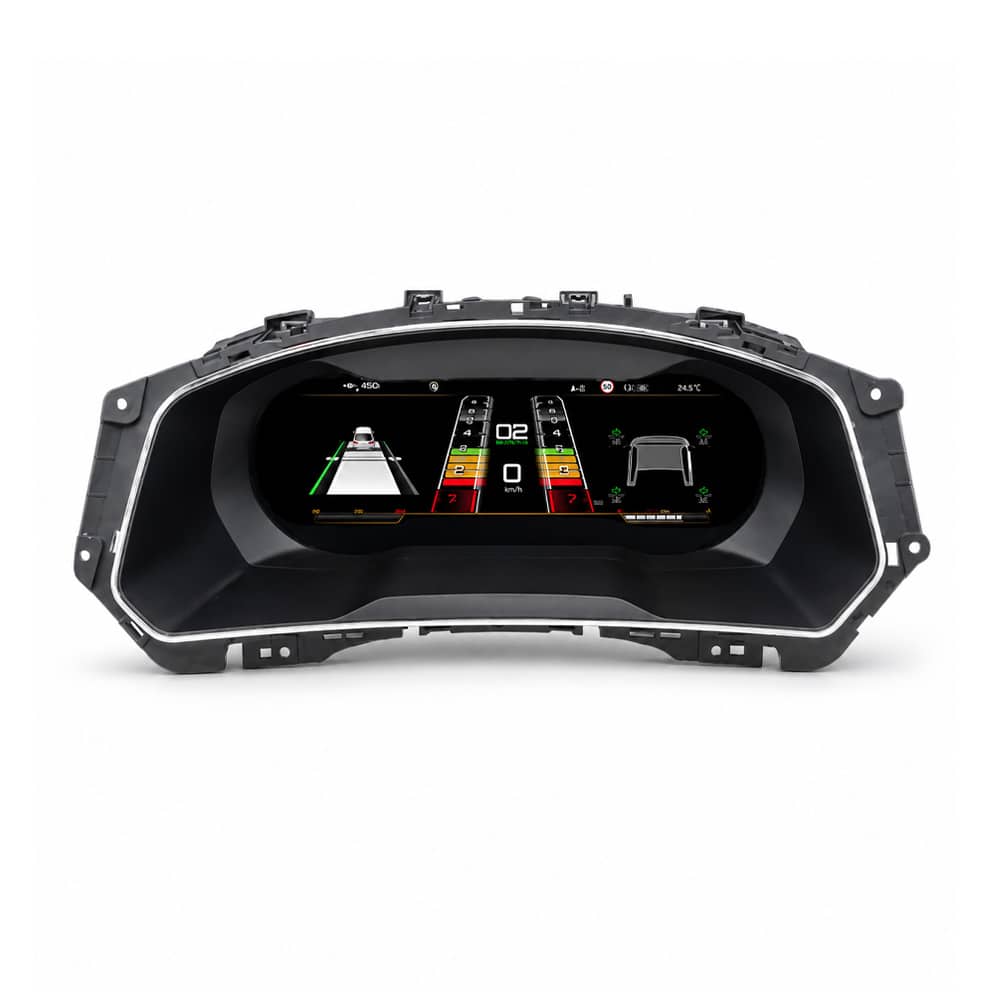
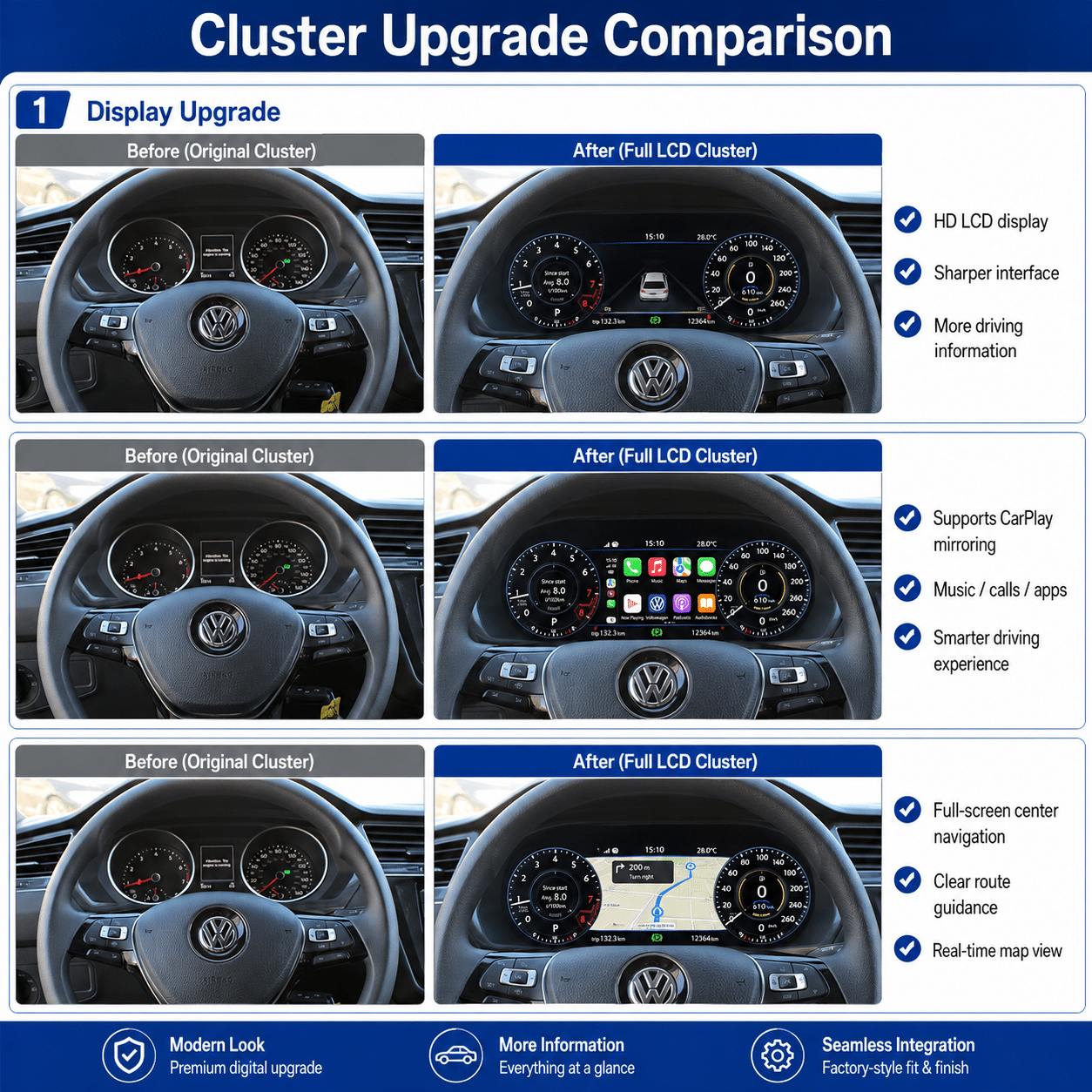
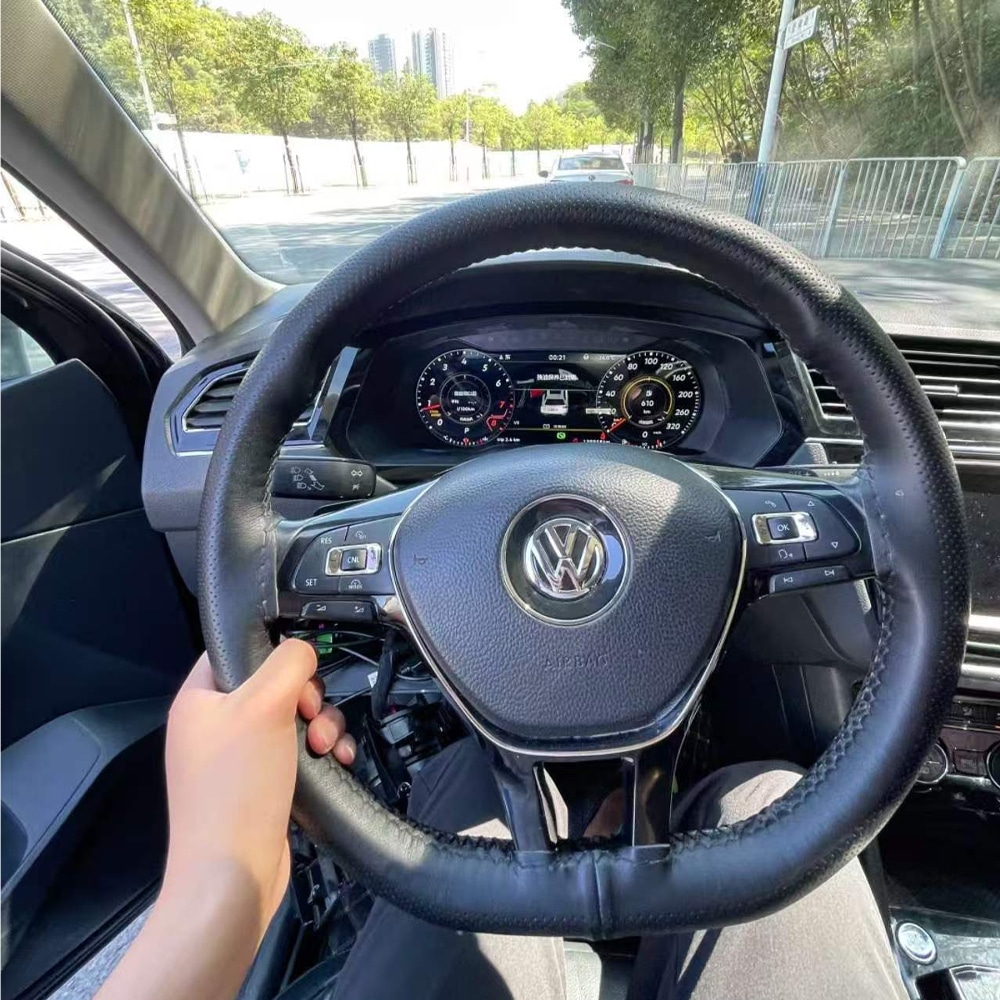
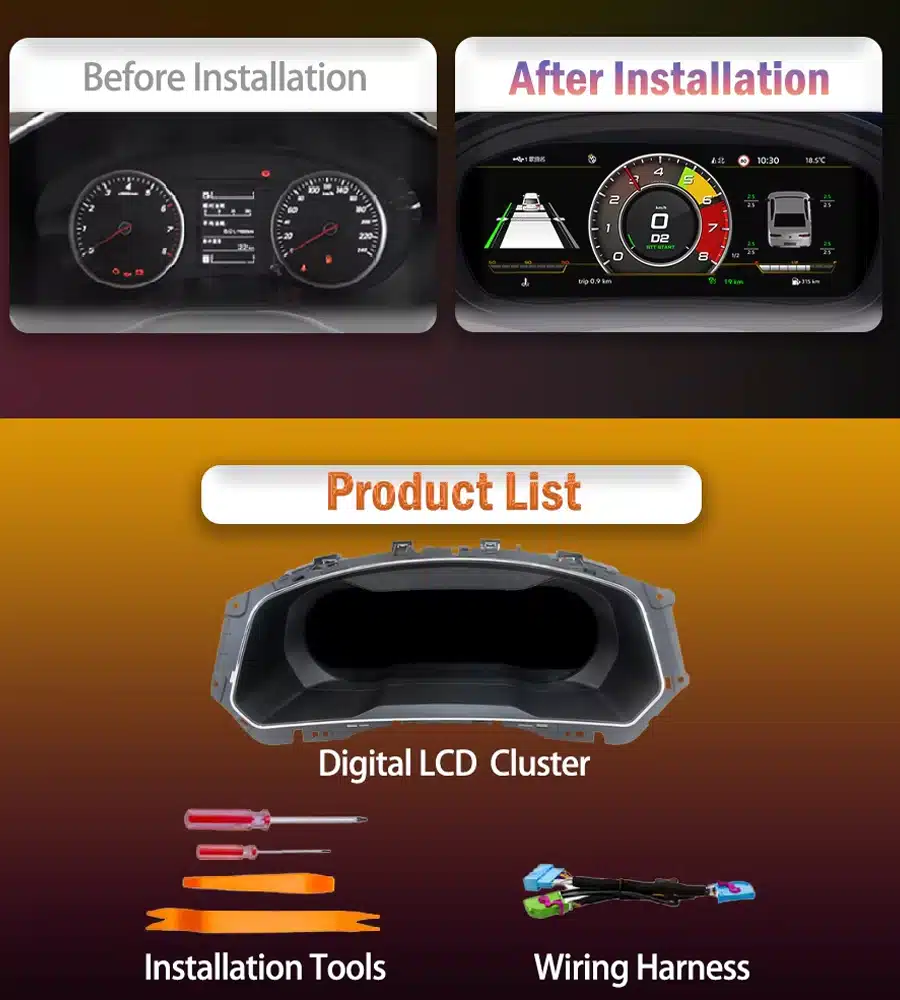
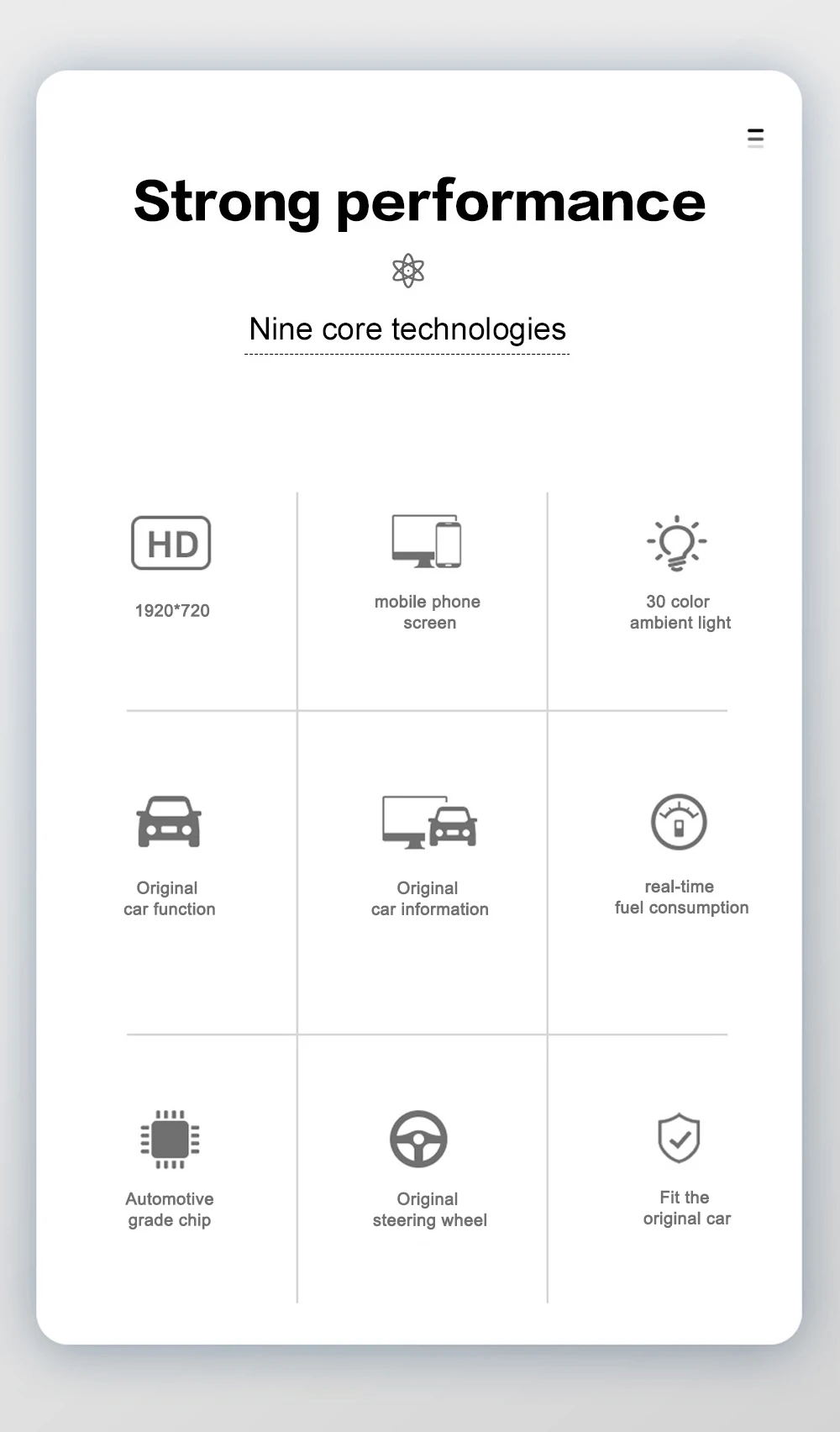
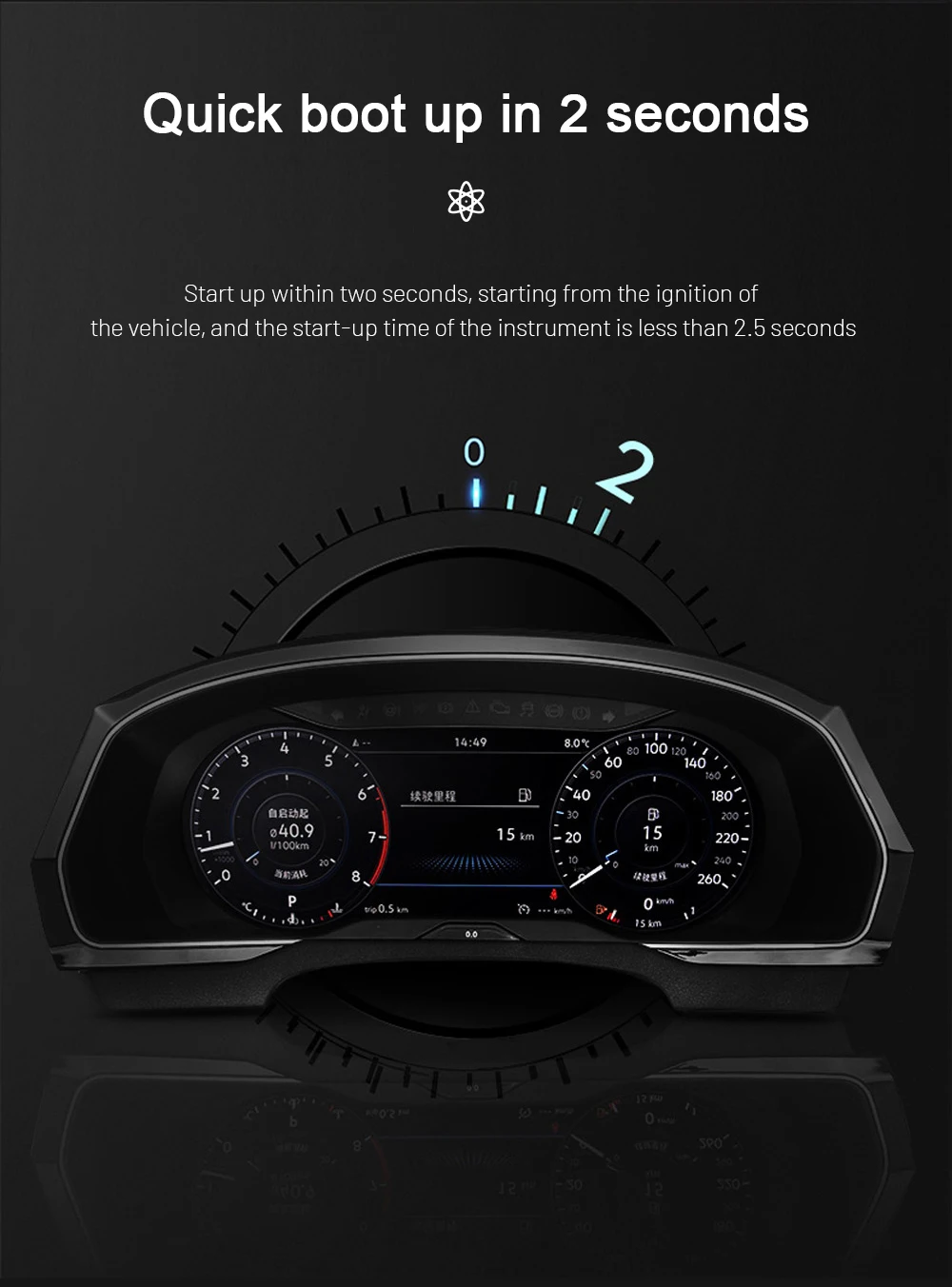
Itu Klaster Digital VW Tiguan 2017-2022 upgrades the original instrument area with a 12.3-inch, 1920 × 720 LCD cockpit. It gives speed, RPM, fuel, temperature, gear, warning and supported driver-assistance information a clearer digital presentation while continuing to work with supported original Volkswagen controls.
A clearer and more modern view of essential driving information.
Supported speed, RPM, fuel, temperature, gear and warning information remains available.
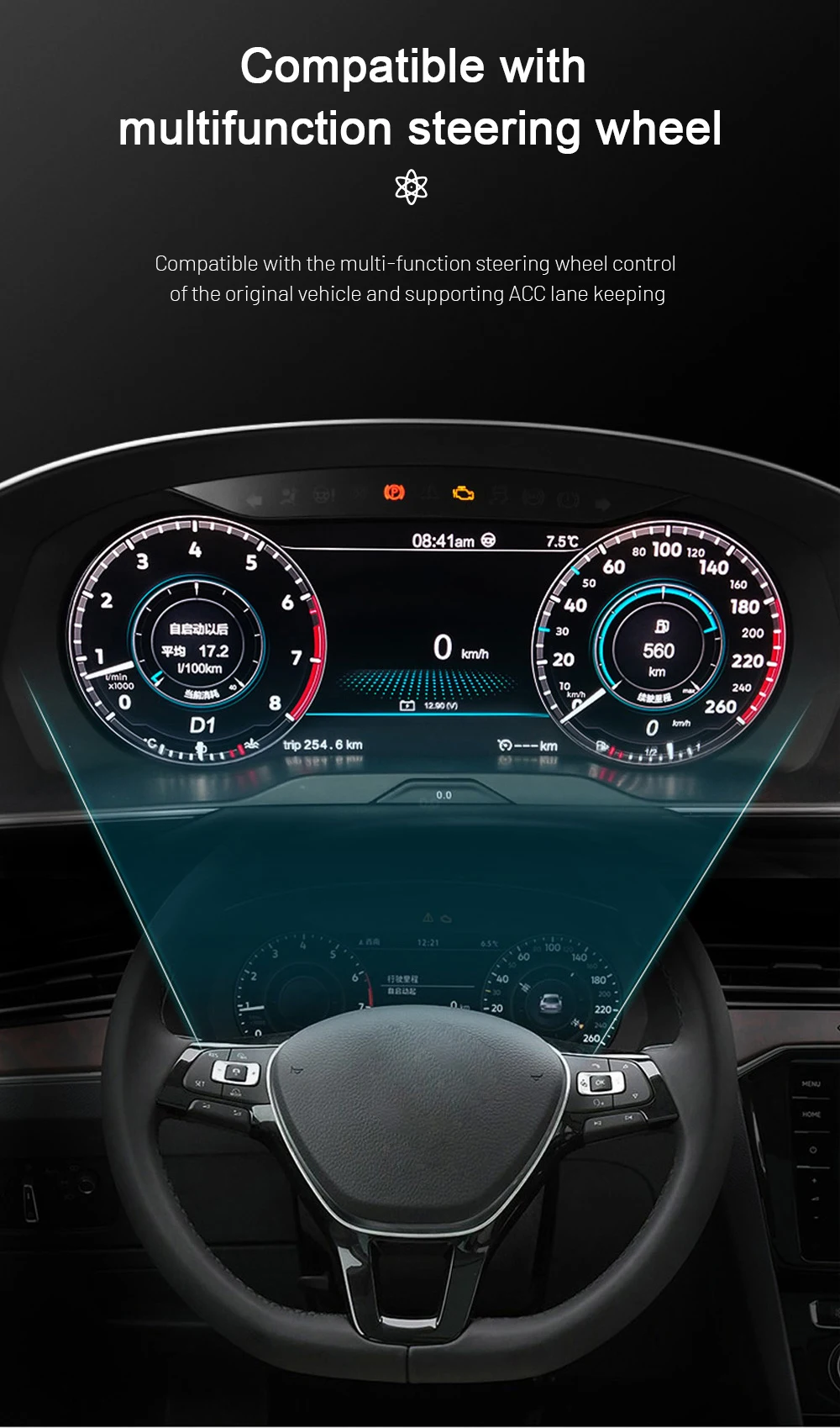
Continue using compatible Volkswagen multifunction controls.
Vehicle matching before shipment and installation guidance after delivery.
Jawaban Cepat
What Is This VW Tiguan 2017–2022 Digital Cluster?
This is a dedicated Linux-based LCD instrument cluster for supported Volkswagen Tiguan 2017–2022 vehicles. It replaces the original driver display with a 12.3-inch digital cockpit while keeping the instrument in the original dashboard position.
It is not an Android head unit and it does not replace the centre infotainment system. iKAGOO prepares the correct version according to your vehicle year, original cluster appearance, dashboard structure and steering position.
Daily-Use Improvements
What You Gain from the Digital Cluster Upgrade
This upgrade changes the part of the vehicle you look at during every drive. The larger digital layout makes important information easier to read and gives the Tiguan interior a more complete digital-cockpit appearance.
Wider 12.3-Inch Display
The 1920 × 720 screen gives speed, RPM, warnings and driving information more space and a cleaner visual hierarchy.
Driving Information in Front of You
Essential vehicle information stays directly in the driver’s line of sight instead of being moved to a separate universal screen.
Original Controls Continue to Work
Supported Volkswagen steering-wheel buttons continue to operate compatible instrument menus and displays.
Built Around the Tiguan Dashboard
The display is installed in the original instrument position rather than sitting on top of the dashboard as a universal accessory.
Dedicated Linux Instrument System
The system focuses on instrument display, fast start-up and stable presentation of essential driving information.
Support Beyond Delivery
iKAGOO assists with vehicle matching, installation questions, display settings and post-install function checks.
Original Vehicle Functions Supported
Designed to Work with the Tiguan’s Original Driving Information
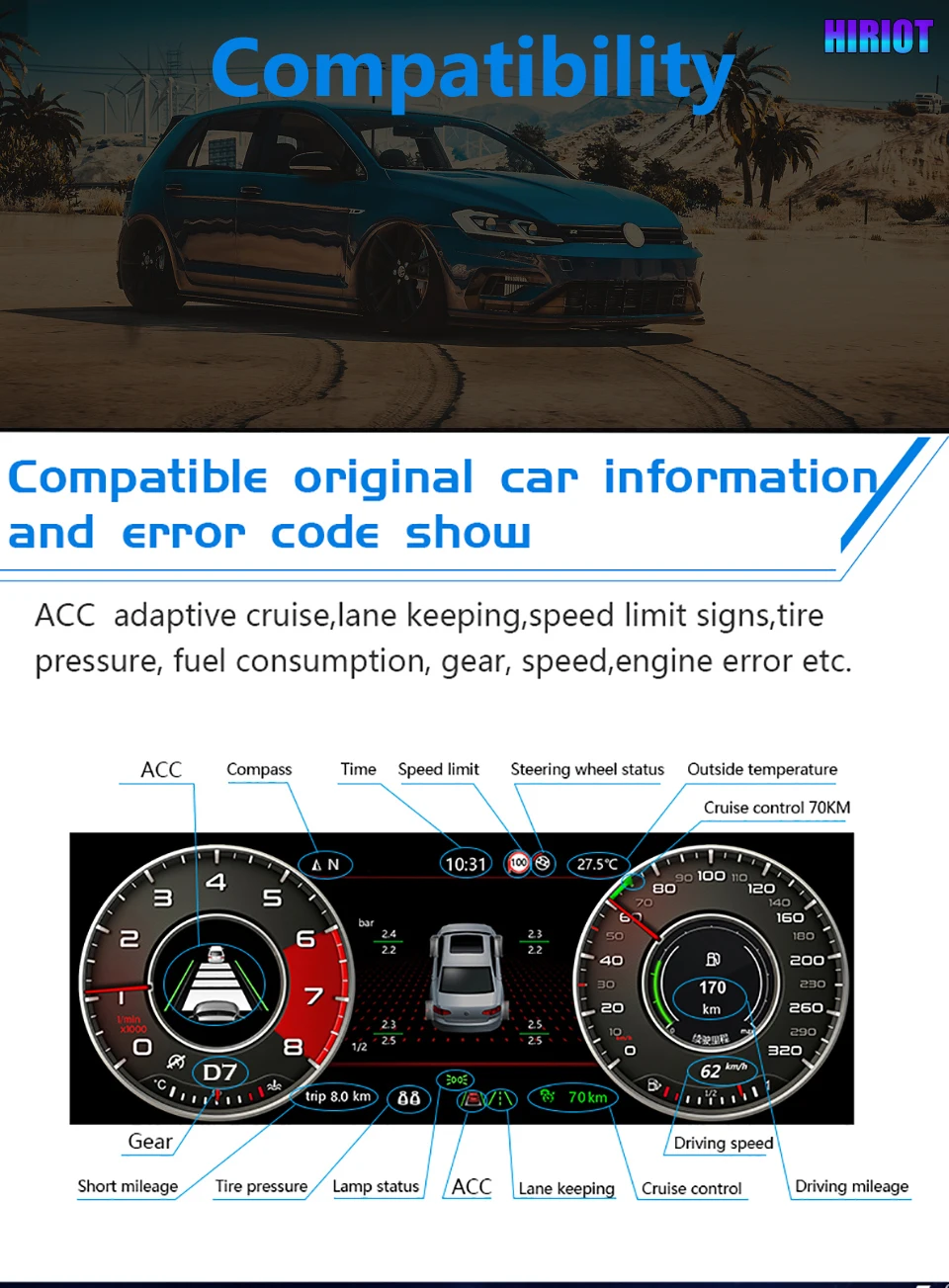
A digital instrument cluster must do more than look modern. With the correct version and installation, supported original vehicle information and controls continue to work through the upgraded display.
Special regional configurations, previous instrument replacements or aftermarket wiring changes may need additional connection guidance. Send the requested vehicle photos when ordering so iKAGOO can prepare the appropriate version.
See the Upgrade
A Modern Digital Cockpit That Still Belongs in a Volkswagen
Why It Is Worth Upgrading
Upgrade the Part of Your Tiguan You Use During Every Drive
Modernises the instrument area itself and keeps supported driving information directly in front of the driver.
Suitable when the goal is only to repair a fault and keep the original analogue appearance.
May preserve a factory appearance but can involve donor-cluster condition, coding and vehicle matching.
Offers an original-system route but can require additional parts, specialist coding and more complex vehicle adaptation.
Adds phone functions to the centre display but does not replace the analogue instrument area.
Adds another display but does not provide the same instrument-position integration or original dashboard appearance.
Prepared for Your Vehicle
Why Buy This Digital Cluster from iKAGOO?
Buying from iKAGOO means receiving more than the display hardware. We help prepare the cluster version, connection route and installation information around the vehicle details you provide.
Vehicle-Specific Preparation
Your year, original instrument appearance, dashboard structure and steering position are used to prepare the order.
Correct Cluster and Connection Matching
We focus on the housing, original instrument structure, connectors and required retained components—not only the model name.
Original Vehicle Integration
The upgrade is prepared around speed, RPM, fuel, warnings, steering controls and supported driver-assistance information.
Product-Specific Installation Guidance
iKAGOO provides guidance for cluster removal, original-component transfer, wiring, settings and final function checks.
12-Month Garansi Perangkat Keras
Eligible hardware is covered under the current iKAGOO limited warranty terms.
Support After Delivery
We continue to assist with connection questions, display settings, function testing and eligible after-sales matters.
Before Shipment
How iKAGOO Prepares Your Order
Vehicle Information
Confirm the Tiguan model, production year, trim, fuel type and steering position.
Original Instrument Photos
Check the original cluster shape, surrounding trim and dashboard opening.
Pencocokan Konfigurasi
Identify the appropriate cluster housing, connection solution and retained-component route.
Display Requirement
Confirm whether you need compatible navigation or phone information shown in the instrument.
Persiapan Pesanan
Prepare the appropriate cluster, harness and applicable installation accessories.
Installation Support
Receive product-specific guidance for connection, configuration and final testing.
iKAGOO Buyer Evaluation
Three Results to Help You Choose with More Confidence
iKAGOO Upgrade Necessity
This is a strong upgrade for Tiguan owners who still use an analogue or semi-digital instrument and plan to keep the vehicle.
- The instrument is viewed during every drive.
- The 12.3-inch display creates a clear visual improvement.
- Multiple layouts provide more personalisation.
- Essential driving information remains the main focus.
- Owners with a satisfactory original digital cockpit may gain less value.
This product is evaluated under the iKAGOO Upgrade Necessity framework, which considers daily-use improvement, long-term ownership value, the condition of the original system and available alternatives.
Read the iKAGOO Upgrade Necessity frameworkiKAGOO Original Vehicle Compatibility
The product offers strong physical and functional integration when the correct cluster version and installation route are used.
- Vehicle-specific instrument housing.
- Supported original driving information retained.
- Original steering-wheel control support.
- Designed around the original instrument architecture.
- Interface appearance differs from the factory Volkswagen Digital Cockpit.
This result is based on the iKAGOO Original Vehicle Compatibility framework. It considers original functions, controls, vehicle information, physical architecture, user interaction and installation integration.
The score represents the overall integration quality. It does not mean that the same percentage of original vehicle functions is lost.
Read the iKAGOO Original Vehicle Compatibility frameworkiKAGOO Installation Difficulty
The installation involves removing the original instrument cluster, connecting the matched harness and transferring the required original components where applicable. It is suitable for experienced DIY installers or a general automotive electronics installer.
- Remove the surrounding dashboard trim and original cluster.
- Transfer the required original instrument components where applicable.
- Connect the matched harness and secure the display connections.
- Complete the required instrument settings.
- Test the vehicle information, warning indicators and power behaviour.
This installation level is assigned under the iKAGOO Car Electronics Installation Difficulty framework. It considers dashboard disassembly, component transfer, wiring connections, configuration and final function testing.
Level 3 means the installation requires care, suitable tools and previous automotive-electronics experience, but it is not classified as a Level 4 integrated head-unit installation.
Read the iKAGOO Installation Difficulty frameworkPhone and Navigation Information
Show Compatible Navigation and Phone Information in Front of You
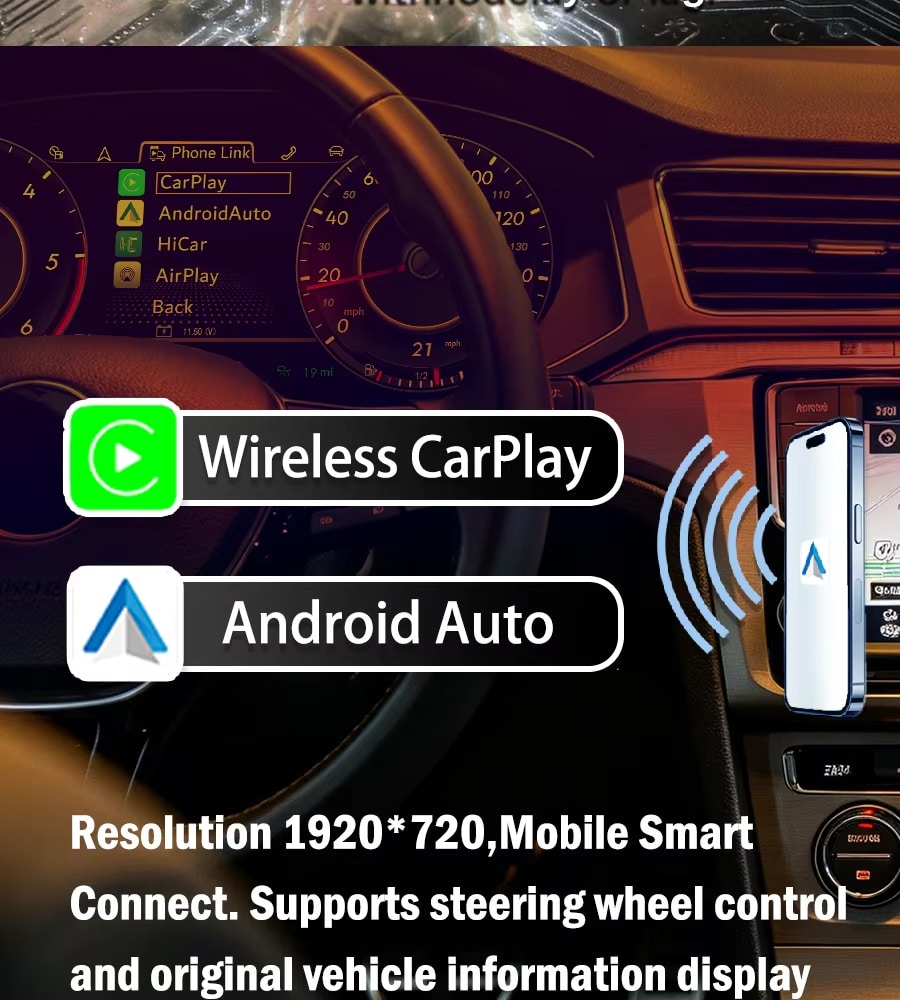
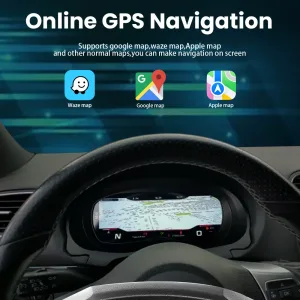
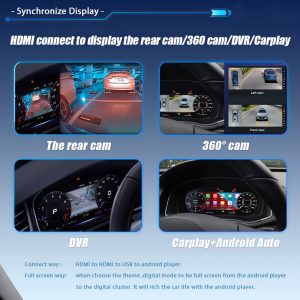
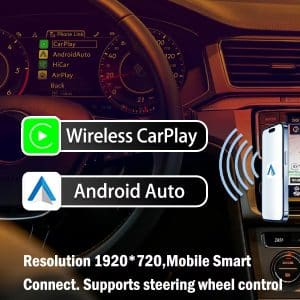
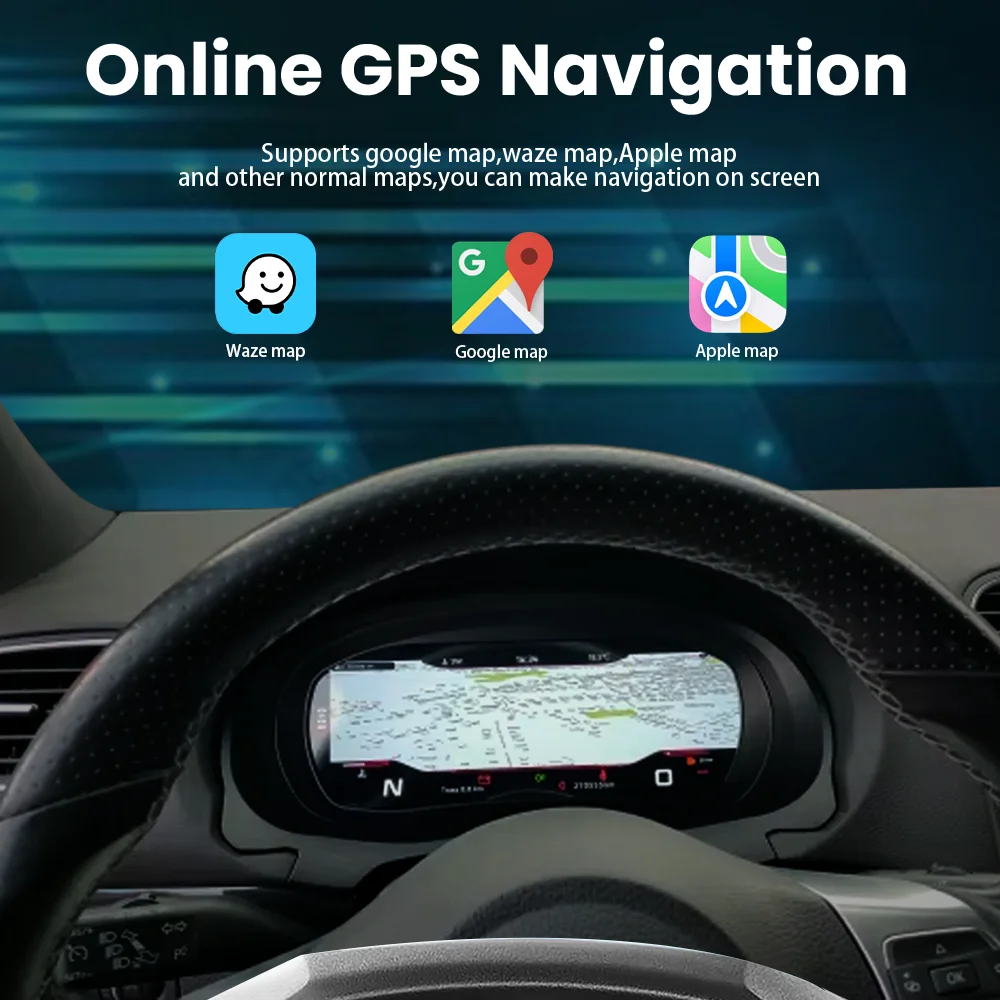
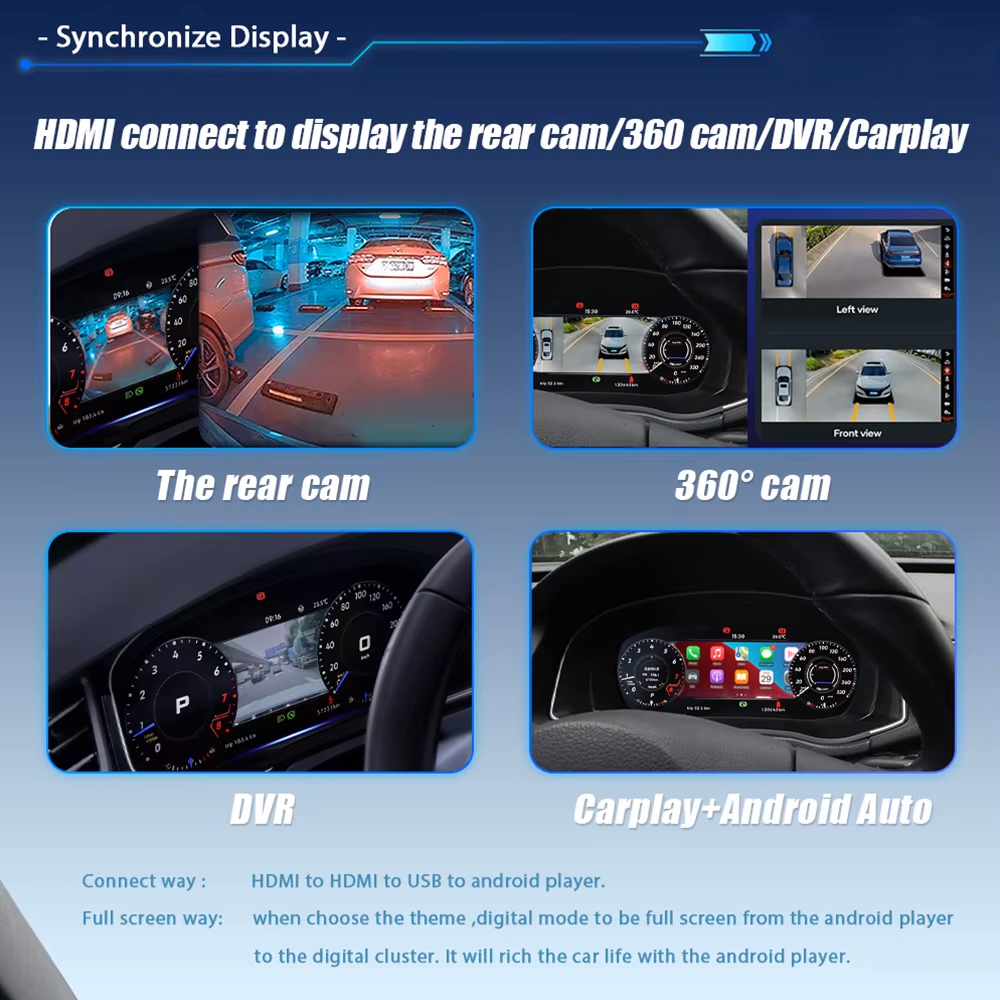
Compatible CarPlay, Android Auto or navigation information can be sent from a supported multimedia source to the instrument through the appropriate display connection.
The digital cluster does not create an independent CarPlay, Android or navigation system by itself. Projection availability depends on the connected multimedia system and the selected connection solution.
Product Specifications
12.3-Inch Linux Digital Instrument Cluster
RAM, storage, DSP, 4G and Android versions are not configuration choices for this product because it is a dedicated Linux instrument cluster rather than an Android head unit.
Choose the Correct Version
The Important Choice Is the Vehicle Match
This product does not use RAM or storage tiers. The correct purchase depends on matching the instrument structure and vehicle configuration.
Original Cluster Appearance
Send a straight front photo showing the complete instrument and surrounding dashboard trim.
Vehicle Year and Region
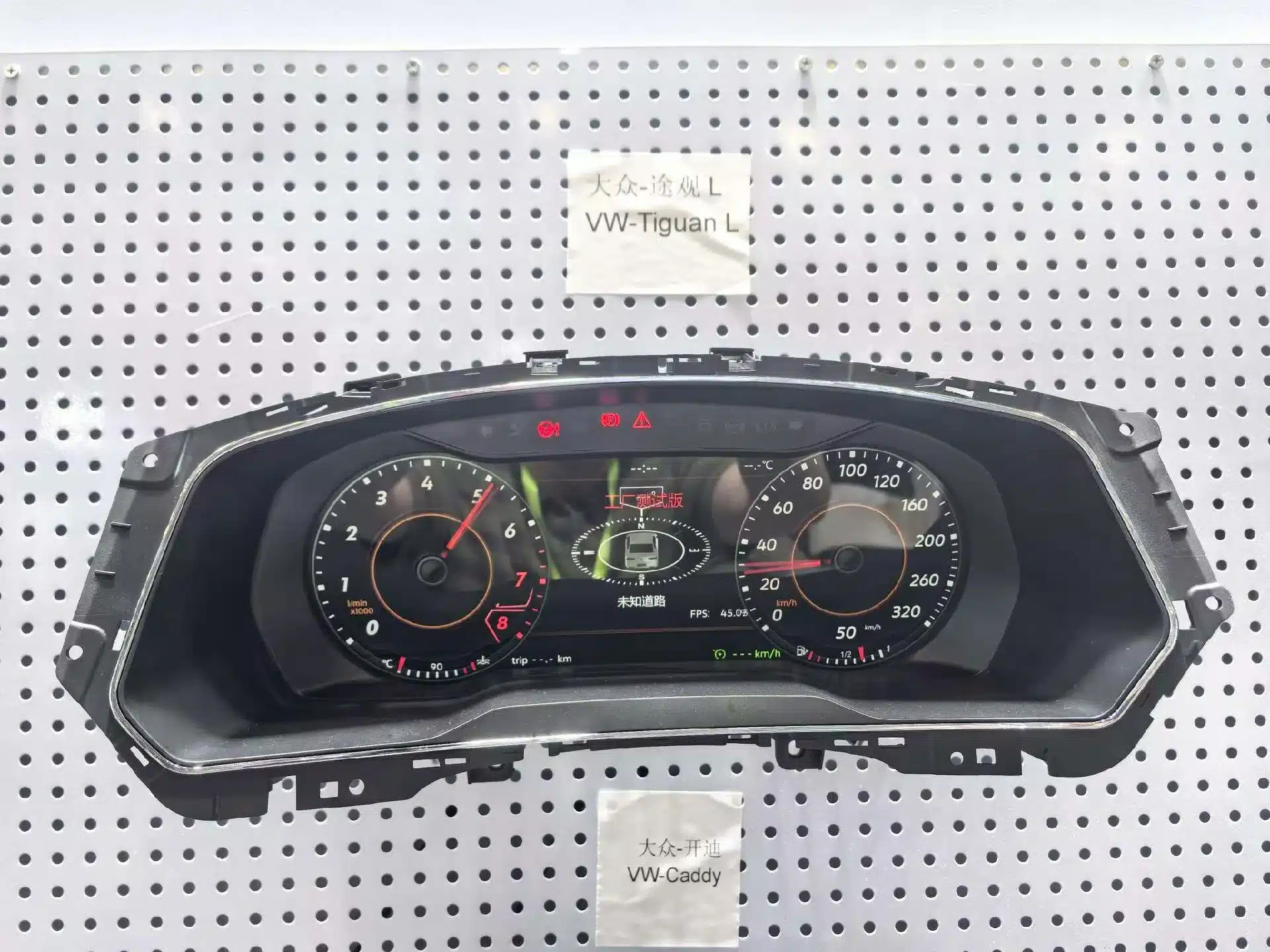
Confirm the exact year and whether the vehicle is a regional Tiguan or Tiguan L configuration.
Left-Hand Drive or Right-Hand Drive
Confirm the steering position so the order record matches the actual vehicle.
Projection Requirement
Tell iKAGOO whether you need compatible map or phone information displayed in the instrument.
Matched Installation Hardware
Prepared for a Cleaner and More Organised Upgrade
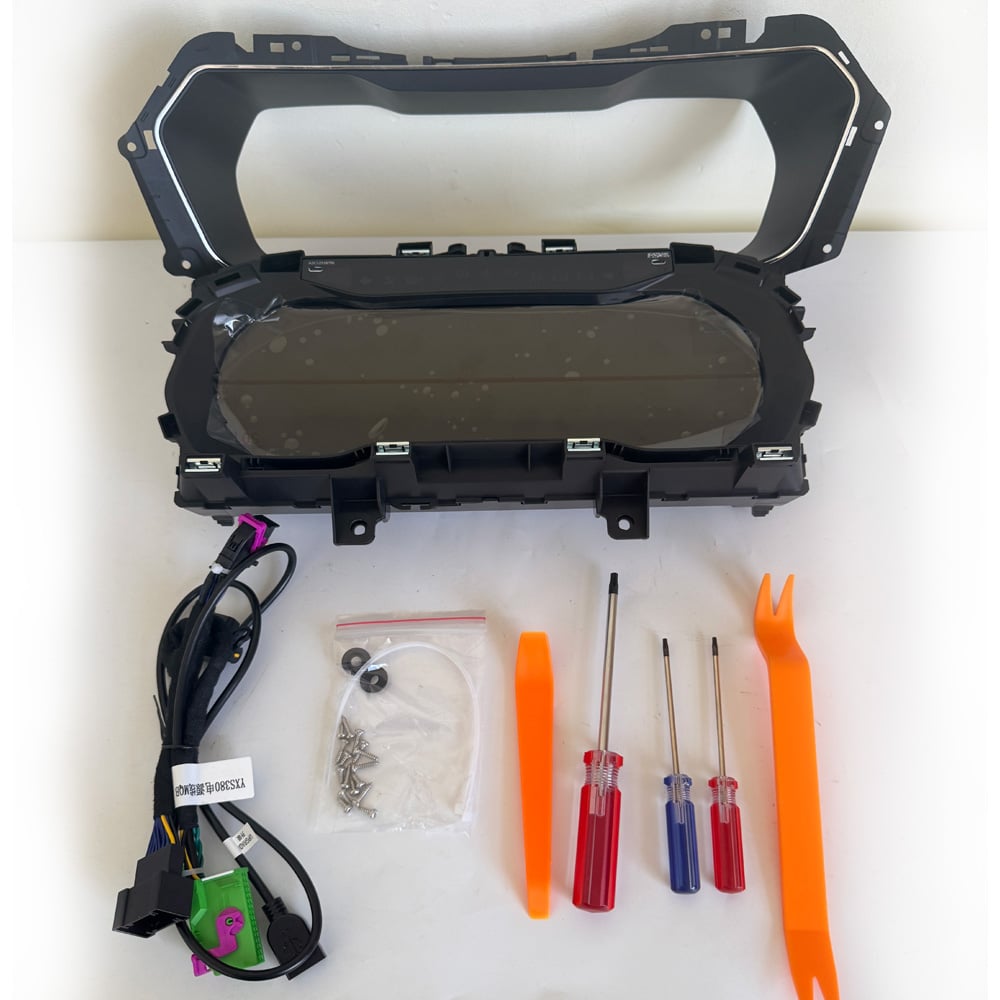
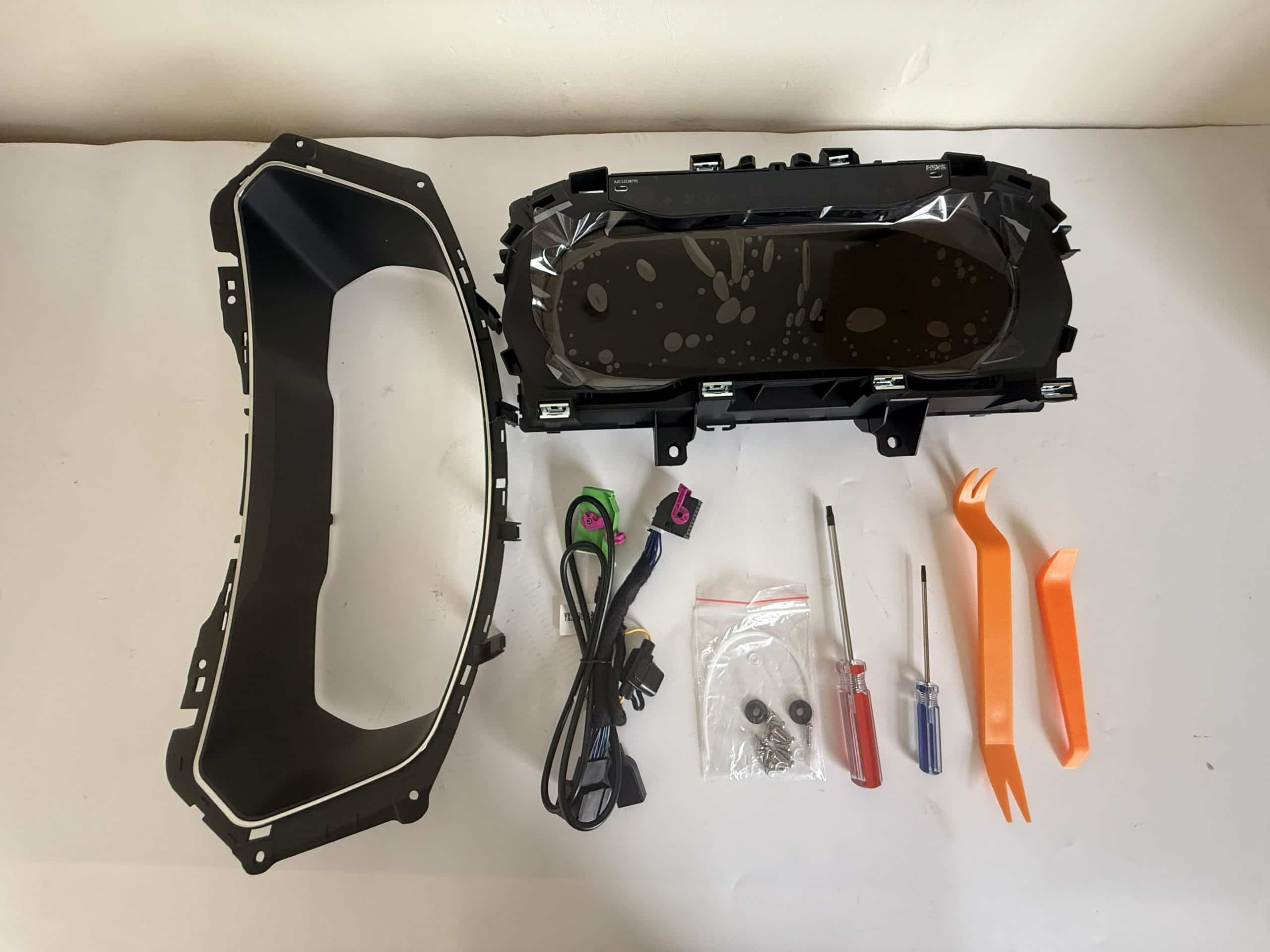
The digital cluster is supplied with the applicable vehicle connection solution and useful installation accessories, helping reduce unnecessary wiring changes and last-minute parts searches.
The exact harness, adapter and projection accessories depend on the confirmed vehicle and requested functions. iKAGOO prepares the applicable connection solution before shipment.
Original Vehicle Integration
Keep the Tiguan’s Original Instrument Logic Where Required
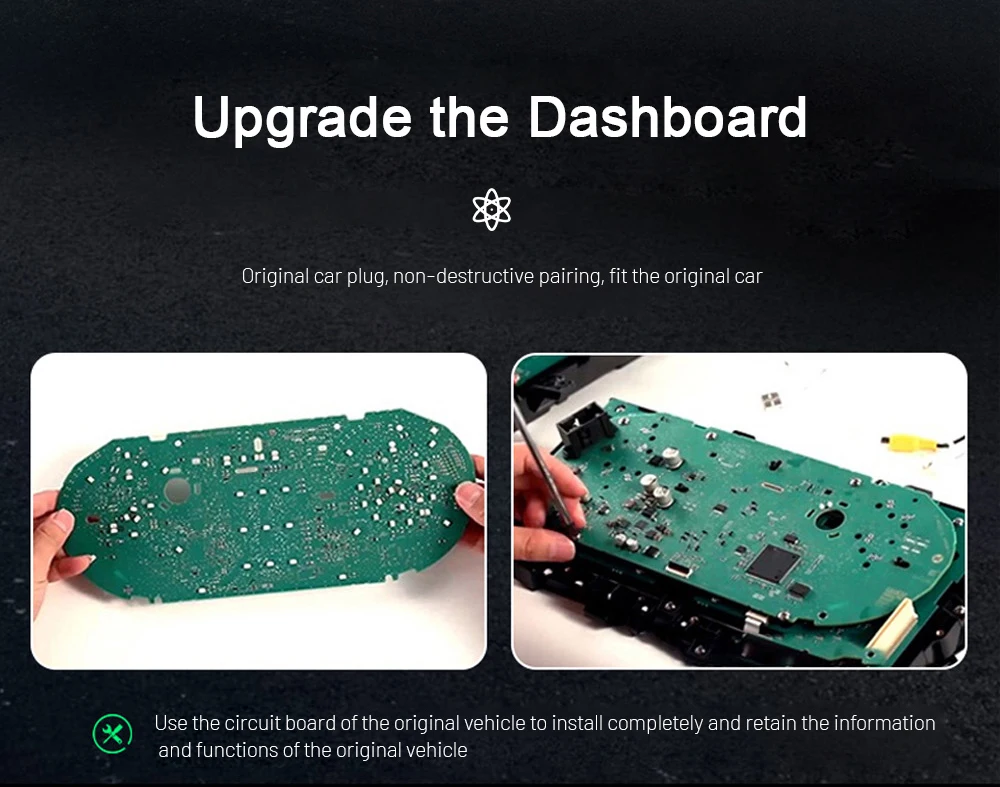
Where applicable, the required original instrument components are transferred into the new digital cluster housing. This helps the upgraded display continue working with the vehicle’s original information, identity and control logic.
Tingkat 3 — Tingkat Lanjut (Lakukan Sendiri)
Installation for Experienced DIY Users or Automotive Electronics Installers
The installation requires careful cluster removal, connection work and final vehicle-function testing. An experienced DIY installer can complete the work with suitable tools, or the product can be installed by a general automotive electronics installer.
Recommended Installation Process
- Record the original mileage, warning lights and normal instrument behaviour.
- Power down the vehicle using appropriate automotive-electronics practice.
- Remove the surrounding trim and original cluster carefully.
- Transfer the required original components where applicable.
- Connect the matched harness and secure all connectors and ribbon cables.
- Complete the required cluster settings.
- Test the driving information and warnings before reinstalling all trim.
Pause the Installation If
- The original cluster housing or connector does not match.
- The retained original component cannot be seated securely.
- A ribbon cable or connector appears damaged or excessively tight.
- Speed, RPM, fuel, gear or temperature information is missing.
- A critical warning behaves incorrectly.
- The display repeatedly restarts or does not sleep and wake normally.
- There is abnormal heat, smoke or a burning smell.
Before closing the dashboard, test speed, RPM, fuel, temperature, gear, mileage, turn signals, high beams, seat-belt status, door status, warning indicators, steering-wheel controls and supported driver-assistance information.
Digital Interface and System
Choose the View That Works Best for Your Driving
Before You Order
Send These Details So iKAGOO Can Prepare the Correct Version
1. Vehicle Details
Volkswagen Tiguan, exact production year, fuel type and trim level.
2. Original Instrument Photo
A clear front photo showing the complete cluster, gauges and surrounding trim.
3. Full Dashboard Photo
A wider photo showing the steering wheel, instrument opening, air vents and centre dashboard.
4. Steering Position
Confirm left-hand drive or right-hand drive.
5. Previous Modifications
Tell us about any previous instrument replacement, aftermarket head unit or wiring change.
6. Navigation Display Requirement
Confirm whether you want compatible map or phone information displayed in the instrument.
Delivery and After-Sales Support
Supported Before Shipment and After Installation
Persiapan Pesanan
Vehicle-specific orders are normally prepared within approximately 1–3 business days before dispatch.
Pelacakan Pengiriman Internasional
Tracking information is provided after dispatch. Delivery time depends on the destination and carrier.
Pengiriman DDP (Pilihan)
Tax-included DDP may be available for eligible destinations when selected or confirmed before shipment.
12-Month Garansi Perangkat Keras
Eligible hardware is covered for verified manufacturing defects under the current warranty terms.
Installation and Configuration Support
Support is available for connection, original-component transfer, settings and final function checks.
Confirmed Compatibility Protection
When accurate vehicle information was supplied and iKAGOO confirmed compatibility before purchase, the current refund policy applies if no reasonable installation solution remains.
Pertanyaan yang Sering Diajukan
VW Tiguan Digital Cluster Questions
What is the VW Tiguan 2017–2022 Digital Cluster?
It is a vehicle-specific 12.3-inch Linux LCD instrument cluster that upgrades the supported original Tiguan instrument area with a modern digital cockpit layout.
Apakah ini unit utama Android?
No. It is a dedicated digital instrument cluster. It does not replace the centre infotainment unit, amplifier, speakers or camera system.
Which Tiguan years are supported?
The product is prepared for supported Volkswagen Tiguan 2017–2022 vehicles. The original instrument appearance and dashboard structure must still be checked before shipment.
Is Tiguan L automatically the same as a standard Tiguan?
No. Regional models can use different housings, trim and instrument structures. Send clear photos rather than ordering only by model name.
Will the original mileage be retained?
The applicable original vehicle-data logic continues through the specified original-component transfer and installation route. Record the original mileage before removing the cluster.
Will the steering-wheel controls continue to work?
Supported Volkswagen multifunction steering-wheel controls continue to operate compatible instrument functions after correct installation.
Will ACC and lane information still display?
Supported assistance information continues to display on vehicles originally equipped with the relevant functions. The visual layout may differ from the original Volkswagen interface.
Can the cluster show CarPlay or navigation information?
Compatible phone or navigation information can be shown when the vehicle has a supported multimedia source and the required display connection.
Is the projection cable always included?
The required cable or adapter depends on the multimedia source and selected package. Tell iKAGOO which system is installed before shipment.
Can I install it myself?
The installation is rated Level 3 — Advanced DIY. It is suitable for customers with previous dashboard and automotive-electronics installation experience, or a general automotive electronics installer.
Does installation require cutting the factory wiring?
The matched connection route is designed to work with supported original vehicle interfaces without intentionally cutting the main factory harness.
What should be tested before closing the dashboard?
Test speed, RPM, fuel, temperature, gear, mileage, turn signals, high beams, seat-belt status, door status, warnings, steering controls and supported assistance information.
What warranty and support are included?
Eligible hardware includes a 12-month limited warranty. iKAGOO also provides vehicle matching, installation guidance, configuration assistance and after-sales support.
iKAGOO Standards and Support
Review the Complete Buying and Installation Information
Ready to Upgrade Your Tiguan?
Choose the Correct Cluster and Let iKAGOO Prepare the Vehicle Match
Select the available purchase option, provide accurate vehicle information and let iKAGOO prepare the appropriate digital cluster, connection route and installation guidance for your order.


Adam Richardson -
I had the cluster installed in my 2019 Tiguan R-Line by a Volkswagen specialist. The finished result looks clean and much closer to a factory-style upgrade than a typical aftermarket display. The graphics are clear, and the dashboard now feels more suitable for the rest of the R-Line interior. Professional installation was worth it.