01
Dari mana pesanan dikirim dan berapa lama pengiriman?
Sebagian besar pesanan iKAGOO dikirim dari lokasi pemenuhan kami
di China setelah konfigurasi produk dan informasi kendaraan
telah diperiksa.
Pemrosesan pesanan normal memakan waktu sekitar
1-3 hari kerja.
Estimasi pengiriman setelah barang dikirim umumnya:
- AS & Kanada: sekitar 5–9 hari kerja
- Uni Eropa: sekitar 7–15 hari kerja
- Inggris & Australia: sekitar 7–10 hari kerja
- Wilayah lain yang didukung: sekitar 7–20 hari kerja
Pengurusan bea cukai, hari libur, cuaca, keterlambatan kurir, dan
pengiriman ke area terpencil dapat memengaruhi perkiraan ini.
02
Apakah saya perlu membayar PPN, bea masuk, atau biaya bea cukai?
Pengiriman internasional standar biasanya tidak termasuk
PPN negara tujuan, bea masuk, biaya perantara, atau
biaya pengurusan bea cukai.
Untuk destinasi Uni Eropa yang memenuhi syarat,
pengiriman DDP mungkin tersedia.
Biaya terkait impor hanya termasuk saat DDP dipilih
saat checkout atau dikonfirmasi oleh iKAGOO secara tertulis sebelum pengiriman.
Saat DDP tidak dipilih, biaya yang dikenakan oleh bea cukai setempat
atau kurir pengiriman biasanya menjadi tanggung jawab penerima.
03
Bisakah saya meminta pengiriman ekspres dan bagaimana cara melacak paket?
Pengiriman ekspres atau dipercepat mungkin tersedia untuk produk
dan destinasi tertentu. Ketersediaan, kurir, dan biaya tambahan
apa pun dikonfirmasi sebelum pengiriman.
Tergantung pada rute dan jenis produk, iKAGOO dapat menggunakan DHL,
FedEx, UPS, EMS, 4PX atau penyedia logistik terlacak lainnya.
Setelah pengiriman, nomor pelacakan atau tautan pelacakan
biasanya dikirim ke alamat email yang digunakan untuk pesanan.
Pembaruan pelacakan mungkin memerlukan beberapa hari kerja untuk muncul
selama transfer kurir internasional.
04
Apa kebijakan retur dan pengembalian dana?
Kelayakan pengembalian tergantung pada alasan pengembalian, kondisi produk, status pemasangan, bukti pendukung, dan apakah pengembalian telah disetujui oleh iKAGOO.
Untuk pengembalian non-cacat yang disetujui, produk biasanya harus tetap tidak digunakan, tidak terpasang, lengkap, dan layak untuk dijual kembali. Pelanggan umumnya bertanggung jawab atas biaya pengiriman pengembalian yang disetujui.
Biaya pengiriman asli, DDP, PPN, bea cukai, dan biaya logistik lainnya umumnya tidak dapat dikembalikan kecuali diwajibkan oleh hukum atau dikonfirmasi sebaliknya oleh iKAGOO.
Jangan mengirim produk kembali sebelum menerima alamat pengembalian yang disetujui dan instruksi pengembalian dari iKAGOO.
05
Bagaimana jika produk tetap tidak dapat dipasang setelah tinjauan kompatibilitas?
Perlindungan tambahan dapat berlaku jika iKAGOO telah meninjau kompatibilitas kendaraan, pelanggan memberikan informasi kendaraan yang akurat, dan langkah-langkah pemasangan serta diagnostik yang wajar telah diselesaikan.
Jika iKAGOO mengonfirmasi bahwa tidak ada solusi teknis yang wajar tersedia dan masalah dilaporkan dalam
7 hari kalender setelah pengiriman,
pelanggan mungkin memenuhi syarat untuk pengembalian dana sebesar harga produk
tanpa diwajibkan untuk mengembalikan produk tersebut.
Biaya pengiriman asli, DDP, PPN, bea cukai, dan biaya
pihak ketiga lainnya tidak termasuk dalam pengembalian dana harga produk ini.
06
Garansi apa yang diberikan, dan apakah membuka produk membatalkannya?
Produk yang memenuhi syarat mencakup sebuah
Garansi perangkat keras terbatas selama 12 bulan
mencakup cacat produksi yang terverifikasi dan kegagalan perangkat keras
yang memenuhi syarat dalam penggunaan normal.
Tergantung pada masalah yang terverifikasi, dukungan dapat mencakup diagnosis jarak jauh,
bantuan konfigurasi, suku cadang pengganti,
perbaikan, penggantian, pengembalian dana sebagian, atau pengembalian dana penuh.
Inspeksi atau pemeriksaan pihak ketiga tidak secara otomatis
membatalkan seluruh garansi. Namun, kerusakan yang disebabkan oleh
perbaikan tidak sah, modifikasi yang salah, sirkuit rusak,
perakitan ulang yang tidak benar, perkabelan yang salah, benturan, masuknya air,
atau penyalahgunaan biasanya tidak ditanggung.
Hubungi iKAGOO sebelum membongkar, memodifikasi, atau memperbaiki
produk agar prosedur diagnostik yang benar dapat diberikan.
07
Bagaimana jika pesanan saya tiba dalam kondisi rusak atau ada bagian yang hilang?
Hubungi iKAGOO dalam waktu
7 hari kalender setelah pengiriman
dan simpan kemasan asli, label pengiriman, aksesori
dan produk.
Mohon berikan foto atau video yang jelas yang memperlihatkan:
- Kotak pengiriman eksternal dan label pengiriman
- Kerusakan kemasan yang terlihat
- Produk dan area yang terkena dampak
- Semua aksesori dan kabel telah diterima
Setelah verifikasi, iKAGOO dapat mengatur pengiriman bagian yang hilang,
penggantian, perbaikan, pengembalian dana, atau solusi wajar lainnya.
08
Bagaimana jika saya memesan versi yang salah atau perlu mengubah pesanan saya?
Hubungi iKAGOO sesegera mungkin dan sebelum pemasangan.
Untuk perubahan alamat, konfigurasi kendaraan, atau produk, hubungi
kami sebaiknya dalam
12 jam setelah melakukan pemesanan.
Penukaran atau pengembalian dapat disetujui apabila produk yang salah
dipilih masih belum digunakan, belum terpasang, lengkap, dan
layak untuk dijual kembali. Pelanggan biasanya bertanggung jawab atas
biaya pengiriman dan selisih harga yang relevan.
Produk khusus kendaraan dapat memasuki proses pengadaan, pemrograman,
pengujian, atau konfigurasi segera setelah pembayaran. Setelah persiapan
atau pengiriman dimulai, pembatalan mungkin tidak dapat dilakukan lagi,
atau biaya wajar yang telah dikeluarkan dapat dipotong.
09
Apa saja yang termasuk dalam paket?
Isi paket bervariasi tergantung produk, model kendaraan, sistem pabrik
dan konfigurasi yang dipilih.
Tergantung pada produk, paket dapat mencakup perangkat utama,
kabel harness khusus kendaraan, antarmuka CANBUS,
adaptor, kabel USB, antena, mikrofon, perangkat pemasangan,
atau aksesori instalasi lain yang diperlukan.
Lihat foto produk, spesifikasi, dan konfirmasi pesanan yang relevan
untuk mengetahui isi pesanan Anda secara pasti.
10
Bagaimana cara menghubungi iKAGOO untuk dukungan teknis atau purna jual?
Anda dapat menghubungi iKAGOO melalui formulir kontak di situs web,
WhatsApp, atau saluran dukungan lain yang tersedia. Waktu respons
umumnya dalam 24 jam kerja.
Untuk diagnosis teknis yang lebih cepat, sertakan nomor pesanan,
model dan tahun kendaraan, foto sistem pabrik yang relevan,
foto produk, dan video jelas yang menunjukkan masalahnya.
Hubungi Dukungan iKAGOO →
11
Apakah pembayaran aman dan apakah tersedia opsi cicilan?
Pembayaran diproses melalui metode pembayaran aman
yang ditampilkan saat checkout.
Opsi kartu, dompet, dan cicilan yang tersedia dapat bervariasi menurut
negara, mata uang, penyedia pembayaran, dan kelayakan pelanggan.
Layanan cicilan, termasuk opsi yang ditawarkan oleh PayPal atau
penyedia pembayaran lain, tetap tunduk pada ketersediaan regional
dan persyaratan persetujuan penyedia tersebut.
Bagian ini adalah panduan pelanggan yang disederhanakan. Halaman kebijakan
yang diterbitkan lengkap, konfirmasi pesanan, dan hukum konsumen yang berlaku
akan diutamakan jika ada perbedaan kata-kata.




















Lorenzo Ferrari -
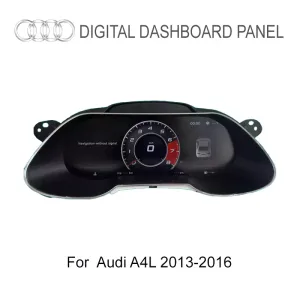
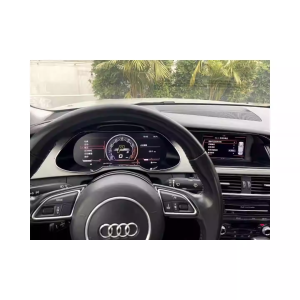
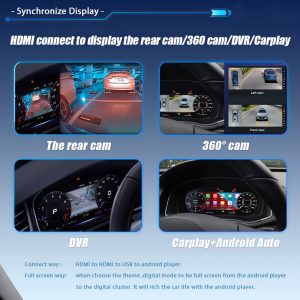
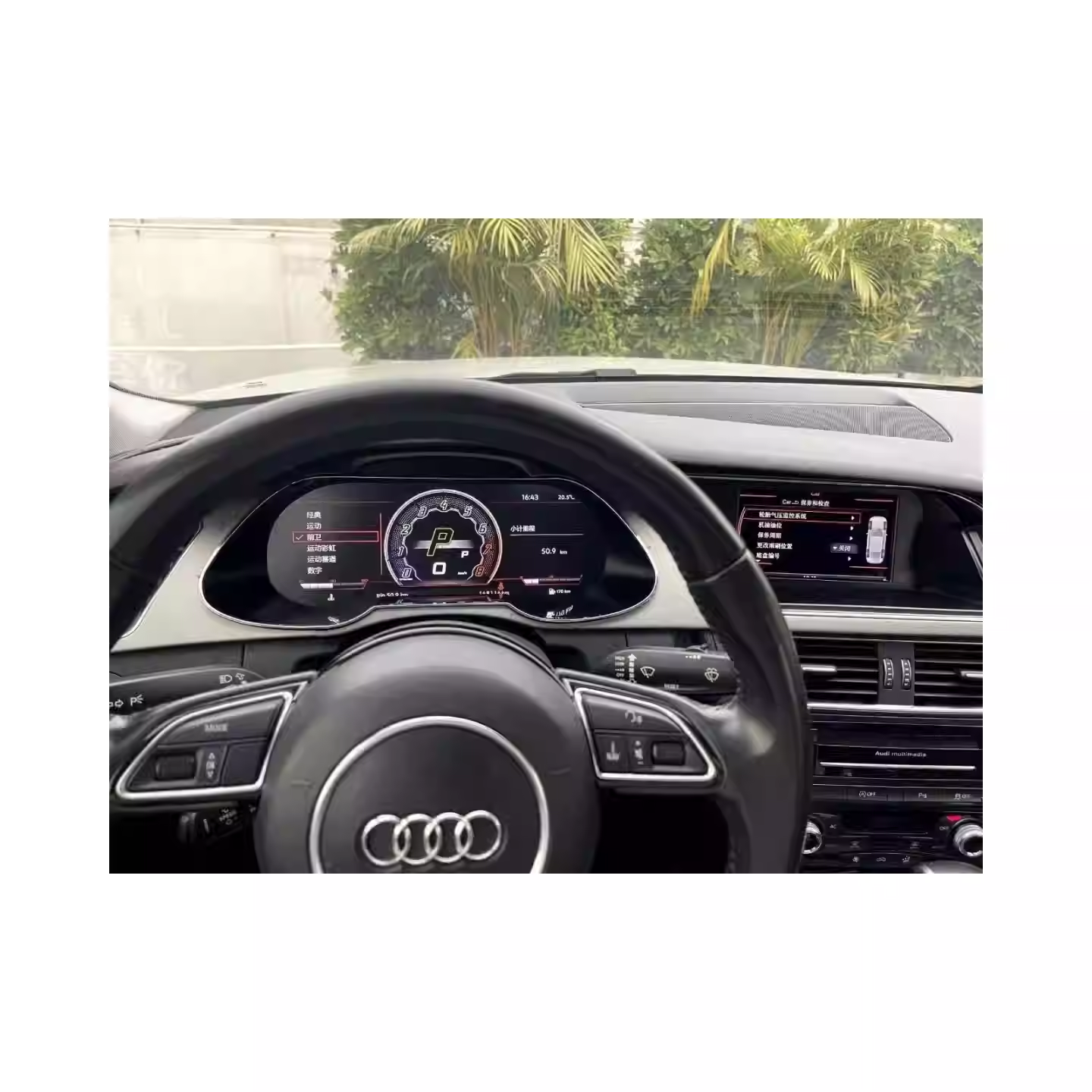
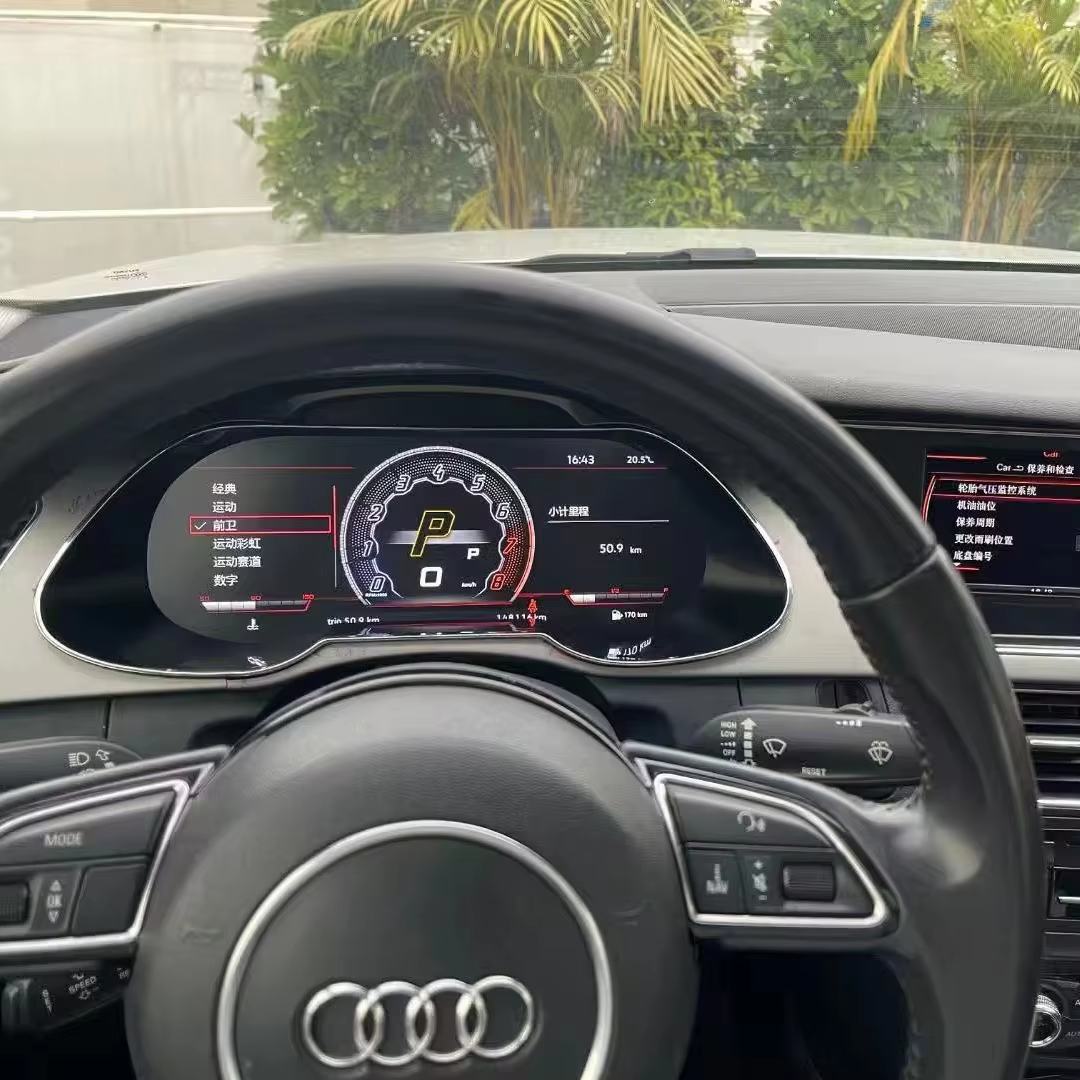
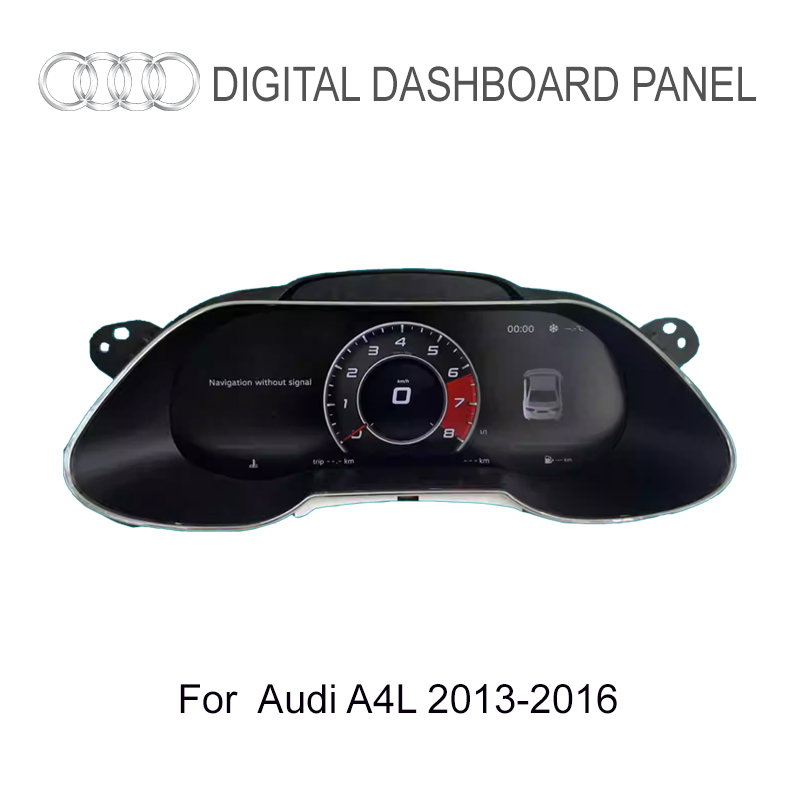
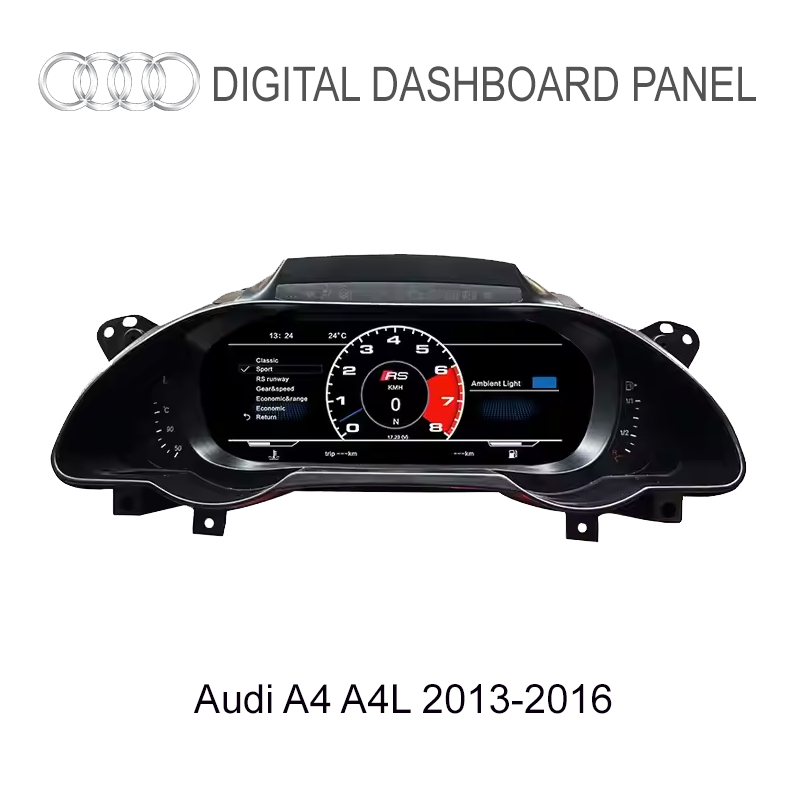
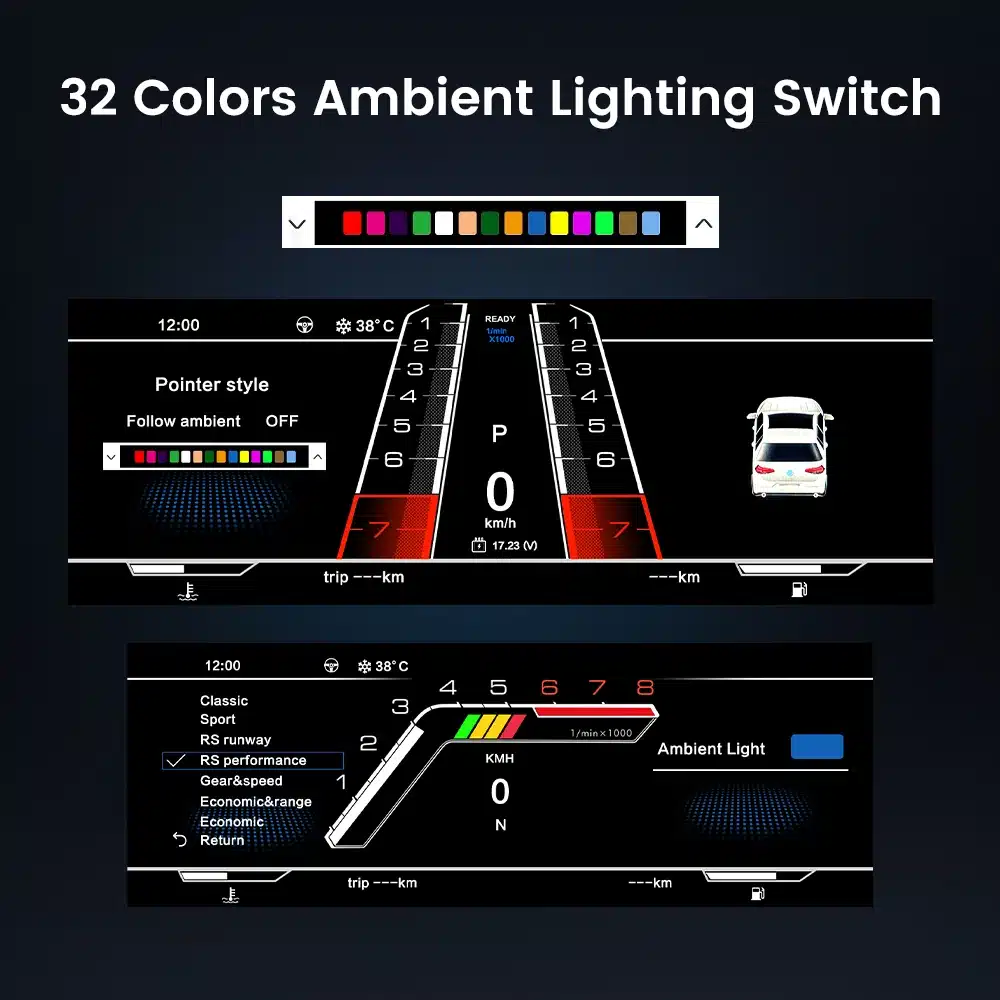
Layar digital ini telah disematkan secara sempurna pada Audi A4L saya, dan tampilan 12,3 inci jauh lebih baik daripada layar aslinya. Warnanya jelas dan tampilannya modern dan intuitif. Anda dapat dengan mudah memantau kecepatan, konsumsi bahan bakar, dan informasi lainnya dalam waktu nyata. Selain itu, kecepatan gratis di Italia adalah sebuah keunggulan yang luar biasa!
Austin Sterling -
Membeli ini untuk A4 B9 spesifikasi AS saya setelah mengonfirmasi dengan penjual tentang kompatibilitas A4L/A4. Perangkat keras cluster-nya identik! Pengukur digitalnya terlihat sangat tajam, cocok dengan Virtual Cockpit OEM 100%. Penjual telah menetapkan jarak tempuh saya sebelum pengiriman. Cara paling ramah anggaran untuk menghilangkan jarum analog yang jelek.
Kayla Peterson -
Terlihat sangat modern di A4 B8.5 saya. Navigasi yang tepat di depan pengemudi paling saya sukai.